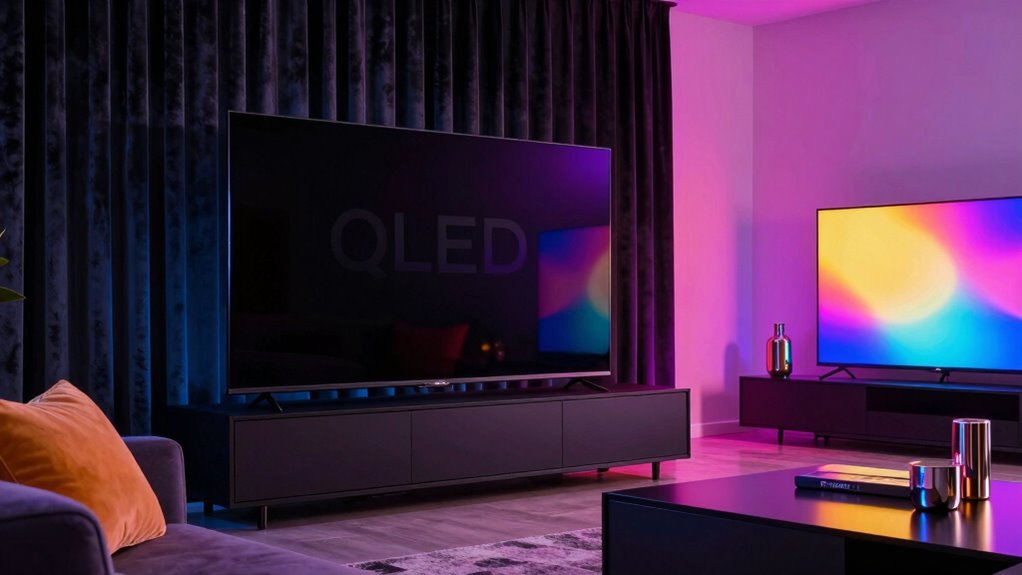

You need to design rooms differently for OLED and QLED screens to optimize their performance. OLEDs thrive in darker, controlled lighting with minimal reflections, so soft, indirect lighting works best. QLEDs, however, excel in brighter environments, requiring diffused light to boost vividness and reduce glare. Adjusting lighting, contrast, and room setup based on the display’s strengths can make a huge difference—if you want to find out how to get it just right, keep exploring.
Key Takeaways
- OLED rooms benefit from soft, indirect lighting to reduce reflections and enhance contrast, while QLED rooms need brighter, diffused lighting for vividness.
- OLED displays perform best in darker environments, requiring controlled ambient lighting, unlike QLEDs that thrive in bright, well-lit spaces.
- Precise calibration of color and contrast is essential for OLEDs to maximize deep blacks, whereas QLEDs focus on brightness and color volume.
- Room design for OLEDs emphasizes minimizing glare and reflections, while QLED rooms can incorporate more ambient light to boost vibrancy.
- Tailoring lighting and setup features to each display’s strengths ensures optimal viewing experiences aligned with their technological advantages.
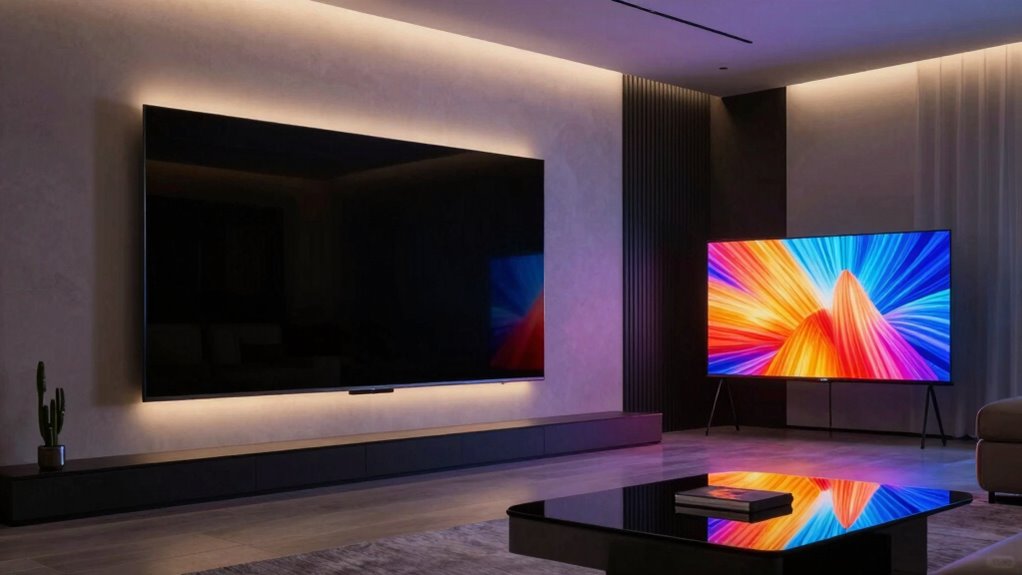
When designing a room around your OLED or QLED TV, choosing the right setup can profoundly enhance your viewing experience. These screens have distinct qualities, so your room’s design needs to reflect those differences. OLEDs offer deep blacks and exceptional contrast, while QLEDs excel in brightness and color volume. Because of these traits, your approach to ambient lighting and color calibration should vary to optimize each display’s potential.
For OLED screens, ambient lighting plays a crucial role. Since OLEDs produce perfect blacks and subtle contrast details, you want to minimize reflections and glare that can diminish picture quality. Soft, indirect lighting works best, as it reduces eye strain and preserves the dark scene details. Think about installing dimmable wall sconces or using bias lighting behind the TV. This creates a comfortable viewing environment without washing out the picture. When considering color calibration, OLEDs demand precision. Because they can display a wide color gamut and subtle shades, you should calibrate your TV carefully to ensure accurate color reproduction. Proper calibration reveals the full depth of your content, whether it’s cinematic films or vibrant games. Use professional tools or follow manufacturer guidelines to fine-tune contrast, brightness, and color settings. Additionally, understanding the importance of display technology can help in tailoring your room setup for maximum effect.
QLED displays, on the other hand, thrive in brighter rooms, thanks to their high peak brightness and strong color volume. To make the most of a QLED, you can afford a more illuminated environment. Bright ambient lighting enhances the vividness of images, but avoid direct reflections on the screen. Instead, opt for diffused lighting that adds to the overall ambiance without creating glare. When it comes to color calibration, QLEDs benefit from calibration that emphasizes their strength in brightness and color accuracy. Adjust settings to maximize punchy colors and ensure that the high dynamic range content looks vibrant and true to life. Since QLEDs are less prone to burn-in, you also have more flexibility with screen protection and viewing angles, allowing you to experiment with different lighting arrangements. Incorporating advanced display features can further optimize your viewing environment.
Ultimately, your room design must match your TV’s strengths. For OLEDs, focus on controlled ambient lighting and meticulous calibration to highlight contrast and subtle details. For QLEDs, leverage their brightness and color capabilities with brighter, more lively lighting schemes and calibration tailored to their vivid display. By understanding these differences and planning your setup accordingly, you’ll create a space that truly elevates your viewing experience, no matter which TV technology you prefer.

iThird Battery Operated Wall Sconces Set of 2, 10000mAh, Black
- Wireless Installation: No wiring needed for easy setup
- Long Battery Life: Provides 20-60 hours of illumination
- Rechargeable Battery: Includes 10000mAh rechargeable battery
As an affiliate, we earn on qualifying purchases.
As an affiliate, we earn on qualifying purchases.
Frequently Asked Questions
How Do Ambient Lighting Preferences Differ for OLED and QLED Rooms?
In OLED and QLED rooms, ambient lighting preferences differ considerably. You’ll want to prioritize ambient light control in OLED spaces to prevent glare and preserve deep blacks, especially with lower brightness levels. For QLED rooms, brighter ambient lighting with adjustable color temperature preferences enhances vivid colors and overall picture quality. Adjust your lighting to match your display type, ensuring ideal viewing by balancing ambient light, color temperature, and minimizing reflections for a better experience.
What Are the Best Wall Colors to Enhance OLED Picture Quality?
You should choose wall colors with high contrast to enhance your OLED picture quality, such as deep charcoals or muted blues, which make the vibrant colors pop without overwhelming the display. Avoid overly bright or glossy finishes that cause ceiling reflections, disrupting your viewing experience. Matte paints help reduce glare, ensuring your OLED screen remains vivid and crisp, providing excellent contrast and minimal reflection for ideal picture quality.
How Does Room Size Impact OLED Versus QLED Display Placement?
Your room size dramatically impacts OLED and QLED placement—it’s like fitting a spaceship into a shoebox! For small rooms, position your display away from windows and optimize room acoustics for immersive sound, while ensuring power outlets are accessible without clutter. In larger spaces, you can spread out seating and adjust lighting to reduce glare, making both display types shine. Proper placement maximizes picture quality and creates a cozy viewing experience.
Are There Specific Furniture Choices Recommended for Each Display Type?
For OLED displays, opt for furniture that emphasizes sleek, minimalistic styles to enhance decor aesthetics and avoid glare issues. Choose ergonomic pieces that allow you to view the screen comfortably from various angles. For QLED screens, consider sturdy furniture that supports larger sizes without blocking light reflections, ensuring ideal viewing. Both setups benefit from furniture that complements the room’s overall decor while prioritizing ergonomics for a comfortable viewing experience.
How Does Glare Affect Viewing Experience Differently in OLED and QLED Rooms?
You’ll find that glare impacts OLED and QLED rooms differently because OLED screens have wider viewing angles, making glare more noticeable from different positions. Studies show that glare reduction becomes essential for OLEDs to maintain picture quality. In QLED rooms, controlling ambient light helps preserve vivid colors, but glare isn’t as disruptive due to narrower viewing angles. Adjusting lighting and screen placement guarantees an ideal viewing experience for both display types.
Conclusion
So, when designing for OLED or QLED rooms, remember each tech’s quirks and strengths. Think of it as crafting a space for a modern-day Da Vinci—balancing form and function. Don’t just rely on the latest gadgets; channel your inner Renaissance thinker and consider how lighting, placement, and ambiance influence your viewing experience. With a bit of foresight, your room will be a masterpiece—no time machine needed!