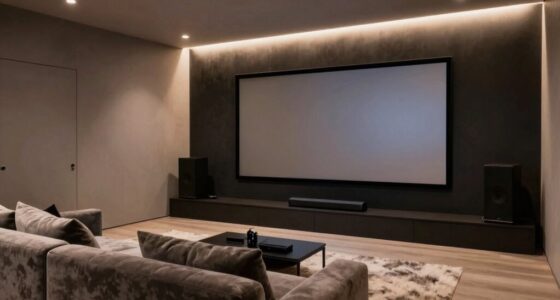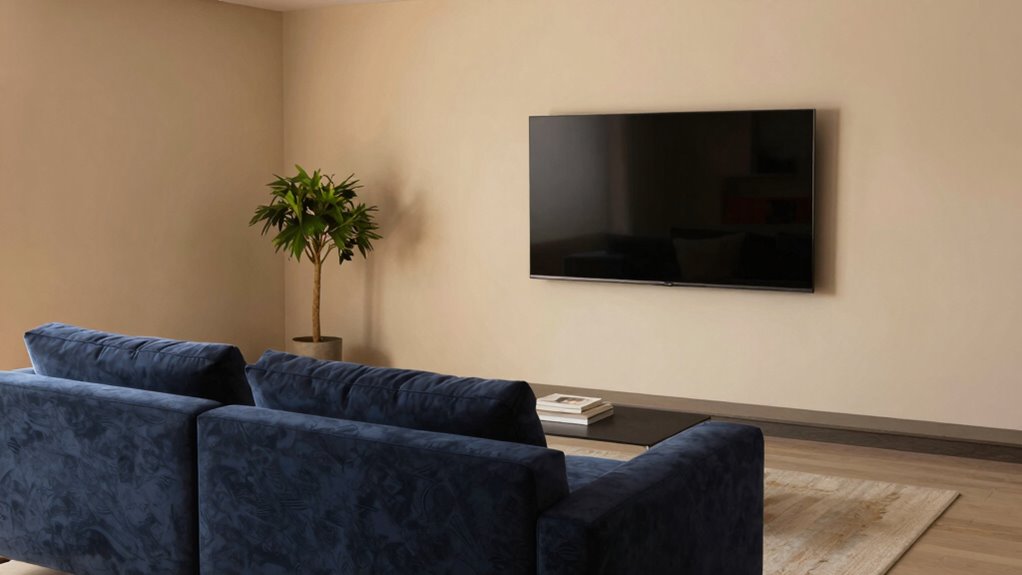

Choosing your screen size based on seating distance guarantees you stay comfortable and avoid eye strain, neck fatigue, or poor posture. When your screen is too large or too small for where you’re seated, it can cause discomfort and reduce your enjoyment. Prioritizing ergonomic principles over ego-driven size choices helps create a healthier, more immersive setup. Keep going to discover how aligning screen size with your seating distance can improve both comfort and viewing experience.
Key Takeaways
- Proper screen size based on seating distance reduces eye strain and discomfort during extended viewing sessions.
- Matching screen size to seating distance promotes better posture and minimizes neck and shoulder strain.
- Prioritizing ergonomic alignment over ego prevents long-term health issues caused by oversized or ill-placed screens.
- An appropriately sized screen enhances immersion and visual comfort without overwhelming peripheral vision.
- Focusing on ergonomic best practices ensures health and enjoyment, rather than impressing others with a large, misaligned display.
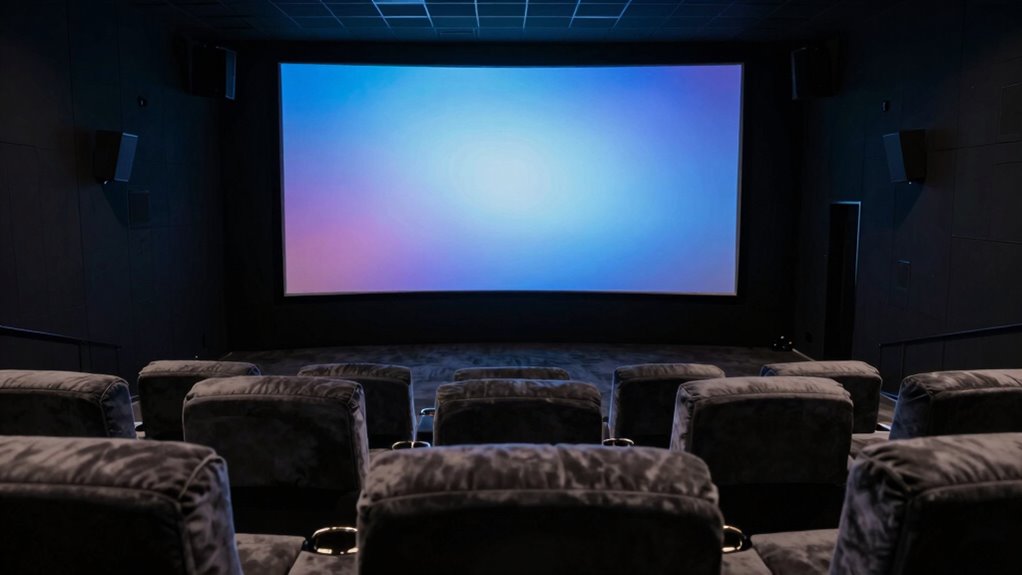
When choosing a screen size, it’s tempting to pick the biggest option available to impress others or satisfy our ego. But the truth is, bigger isn’t always better, especially when it comes to your comfort and viewing experience. The key is to match your screen size to your seating distance, guaranteeing ideal visual comfort and ergonomic design. If you sit too close to a large screen, you risk straining your eyes, causing headaches, or developing neck and shoulder discomfort from constantly craning your neck to take in the full display. Conversely, if your screen is too small for your seating distance, you’ll need to squint or lean forward, which can also lead to eye fatigue and poor posture over time.
Your goal should be to create a viewing setup that feels natural and effortless. When the screen size aligns with your seating distance, you’re more likely to enjoy a comfortable, immersive experience without sacrificing your health. This means selecting a screen that provides a wide enough field of view without overwhelming your peripheral vision or forcing you into awkward positions. An essential aspect of this is considering ergonomic design—how the screen fits into your overall workspace or entertainment area. Proper placement ensures your eyes are level with the top of the screen, reducing strain and promoting better posture. The right size, positioned correctly, allows you to maintain a relaxed neck and shoulders, minimizing fatigue and discomfort during extended use. Additionally, understanding visual ergonomics can help tailor your setup for maximum comfort. Recognizing ergonomic principles can further enhance your viewing experience by ensuring your setup promotes natural body positioning and reduces unnecessary strain.
Focusing on visual comfort can make a significant difference in your overall enjoyment and health. A screen that’s too big for your distance can cause your eyes to work harder to focus, leading to discomfort and decreased enjoyment. On the other hand, a well-sized screen, relative to your seating position, reduces eye strain and offers a more natural viewing angle. It also enhances your engagement, whether you’re watching movies, gaming, or working. Proper screen size selection is crucial for aligning your setup with ergonomic standards and avoiding long-term health issues. Remember, the goal isn’t to have the biggest screen possible but to have a setup that supports your health, comfort, and viewing pleasure. By choosing a screen size that follows your seating distance—not your ego—you’ll create a more ergonomic, visually comfortable environment that’s designed to serve you, not just impress others.

BONTEC Dual Monitor Stand Riser, Adjustable Length & Swivel Angle, Ergonomic Wooden Desktop Organizer with Smartphone Holder, Computer Monitor Stand for PC Monitor, Laptop, Printer, Large Storage
DUAL MONITOR STAND WITH ADJUSTABLE LENGTH & ANGLE – Elevate two monitors to an ergonomic height for better…
As an affiliate, we earn on qualifying purchases.
As an affiliate, we earn on qualifying purchases.
Frequently Asked Questions
How Does Screen Size Impact Viewing Comfort?
A larger screen can improve your viewing comfort by enhancing visual clarity, making details sharper and easier to see. However, if the screen is too big for your seating distance, it can cause eye strain as your eyes work harder to focus. Finding the right size guarantees you enjoy clear visuals without discomfort, reducing eye strain and making your viewing experience more enjoyable and less tiring.
What Are the Health Risks of Inappropriate Screen Size?
When you choose an inappropriate screen size, it’s like forcing your eyes and posture into a strained dance. You risk eye strain, where your eyes tire from constant focus shifts, and posture issues emerge as you hunch or tilt awkwardly. Over time, these problems can cause headaches, neck pain, and fatigue. To protect your health, pick a screen size that matches your seating distance, allowing your body to relax and your vision to stay clear.
How Can I Determine My Optimal Seating Distance?
To determine your ideal seating distance, start by ensuring ergonomic positioning with your screen at eye level. Sit so that the screen is about an arm’s length away, roughly 20-30 inches. This distance helps reduce eye strain and promotes good posture. Adjust your chair and screen if needed, and pay attention to comfort. Regular breaks and blinking also minimize eye strain, keeping your viewing experience healthy and enjoyable.
Are Larger Screens Better for Group Viewing?
Larger screens are generally better for group viewing because they enhance the experience for everyone, especially if your viewing preferences lean toward immersive visuals. Screen size trends show bigger displays are becoming more popular for shared spaces. When selecting a size, consider seating distances to guarantee everyone gets a good view without straining. Ultimately, a bigger screen can make group events more engaging and enjoyable for all attendees.
Does Screen Resolution Influence the Ideal Size?
Yes, screen resolution influences the ideal size because higher resolution enhances screen quality, making larger screens look sharper and more detailed from a distance. You should consider viewing angles too; a higher resolution helps maintain clarity at wider angles, ensuring everyone has a good experience. When selecting a screen size, match it to your seating distance, but remember that resolution quality keeps images crisp and vibrant regardless of size.

Amazon Basics Height Adjustable Monitor Stand Riser with Storage Organizer, Multifunctional Desk Accessories for Reduced Neck Strain – Fits Monitors, Laptops Up to 22lbs, Black
Elevate Your Workspace: Our versatile monitor stand with stackable legs offers the ideal ergonomic solution. Adjust the height…
As an affiliate, we earn on qualifying purchases.
As an affiliate, we earn on qualifying purchases.
Conclusion
Remember, choosing the right screen size isn’t about what feels best for you alone—it’s about finding the comfort that subtly enhances your viewing experience. When you consider seating distance, you gently invite better visuals and less strain, like a whisper of harmony. So, instead of letting ego guide your choice, let practicality lead the way. Embrace a size that softly aligns with your space, and enjoy a more pleasant, effortless viewing journey.

CATIGA 12 Digit Desk Calculator, Desktop Calculators with Large LCD Display & Big Buttons, Dual Power Solar & Battery, Standard Basic 4 Function Calculator for School, Office, Home
[LARGE DISPLAY] – The huge LCD screen that clearly displays big numbers makes it easy to read from…
As an affiliate, we earn on qualifying purchases.
As an affiliate, we earn on qualifying purchases.

ErGear Single Monitor Arm, Fully Adjustable Monitor Mount for 13–34 Inch Screens, Fast Install Computer Monitor Stand with Tool-Free VESA Mount, Cable Management, Holds 19.8 lbs, Max VESA 100x100mm
Ultrawide Compatibility: The ErGear heavy-duty monitor arm is compatible with most 13″–34″ flat or curved monitors up to…
As an affiliate, we earn on qualifying purchases.
As an affiliate, we earn on qualifying purchases.