
To create a comfortable home office for seniors, choose ergonomic furniture like adjustable chairs and desks that support good posture and reduce strain. Incorporate easy-to-use technology with larger screens and clear interfaces, and guarantee good lighting with natural light or warm lamps. Keep the space clutter-free for safety and add features like footrests for comfort. Small adjustments like these make a big difference—keep going to discover more ways to optimize your workspace.
Key Takeaways
- Choose ergonomic furniture with adjustable features and supportive design to promote comfort and proper posture.
- Incorporate technology with larger screens, easy-to-use interfaces, and accessibility features for independence.
- Maximize natural lighting and add warm, adjustable lamps to reduce eye strain and improve mood.
- Keep the workspace clutter-free with organizers and ensure safety with non-slip rugs and proper cord management.
- Customize the space to meet individual needs, making it inviting, functional, and supportive of hobbies and daily activities.
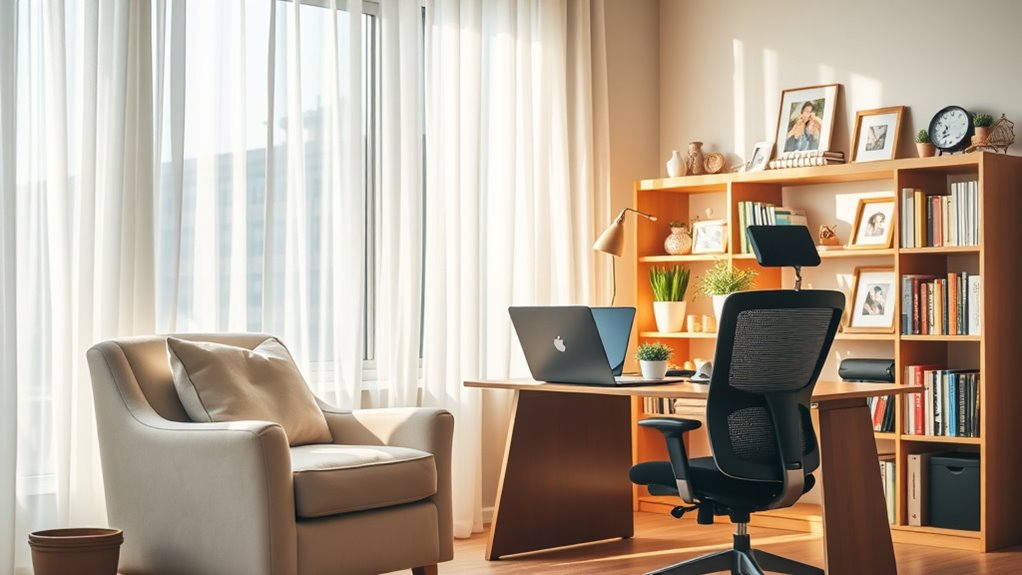
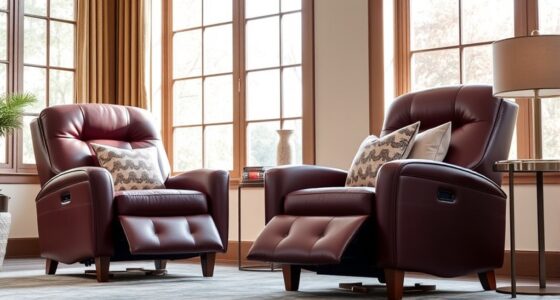
Are you considering setting up a home office for a senior loved one? Creating a comfortable and functional workspace can make a significant difference in their daily routine, productivity, and overall well-being. To start, focus on ergonomic furniture. As seniors often spend extended periods sitting, providing them with supportive chairs that promote good posture is essential. Look for ergonomic chairs with adjustable height, lumbar support, and breathable materials to reduce discomfort and strain. A sturdy desk at the right height will help prevent neck and back pain, so ensure it’s adjustable or at least suitable for their stature. Incorporating a footrest can also alleviate pressure on the legs and improve circulation. These ergonomic choices aren’t just about comfort—they’re about maintaining health and reducing the risk of musculoskeletal issues over time.
Support seniors with ergonomic furniture to promote health and comfort in their home workspace.
Beyond furniture, technology accessibility plays an important role in making the home office practical and user-friendly. Simplify technology by choosing devices with larger screens, bigger buttons, and easy-to-navigate interfaces. Consider installing a tablet or a computer with accessibility features, such as voice recognition or magnification tools, to accommodate any visual or motor challenges. Setting up high-contrast displays and adjustable font sizes can make a significant difference, especially for those with impaired vision. Ensure that Wi-Fi connections are strong and reliable to avoid frustrating interruptions, and organize cords neatly to prevent tripping hazards. Additionally, providing basic tech tutorials or written guides can boost confidence and independence when using new devices. Regular maintenance and proper cleaning of devices and accessories can also extend their lifespan and ensure optimal performance, aligning with maintenance and cleaning best practices.
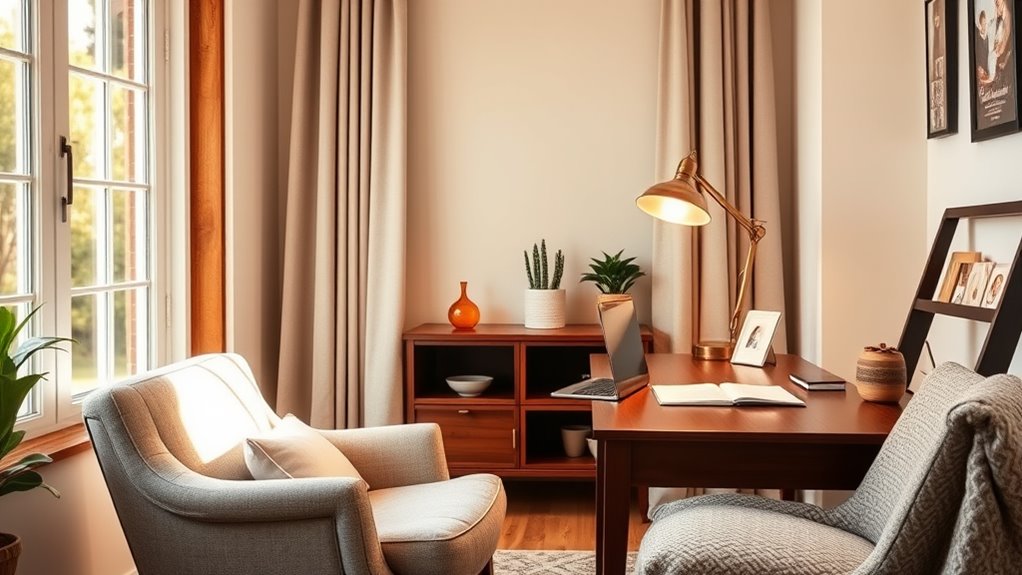
Lighting also matters when designing a senior-friendly workspace. Bright, natural light reduces eye strain and boosts mood. Position the desk near windows or add adjustable lamps with warm, soft bulbs to create a well-lit environment that’s gentle on the eyes. Keep clutter to a minimum by using organizers and storage solutions, which help seniors keep their workspace tidy and reduce cognitive load. This setup encourages focus and makes it easier to find essential items quickly.
Ultimately, setting up a home office for a senior loved one isn’t just about equipment—it’s about creating a space that fosters independence, safety, and comfort. By carefully choosing ergonomic furniture and prioritizing technology accessibility, you make it easier for them to work, pursue hobbies, or stay connected with loved ones. Small adjustments can lead to a significant improvement in their daily experience, helping them feel more capable and engaged in their personal and professional pursuits. Remember, the key is to tailor the workspace to their specific needs, making sure it’s functional, safe, and inviting.
Frequently Asked Questions
How Can I Improve Lighting in My Home Office?
To improve lighting in your home office, start by maximizing natural light with sheer curtains or blinds that can be adjusted easily. Add decorative lamps with soft, warm bulbs to create cozy ambiance and reduce eye strain. Position your workspace near windows to take advantage of daylight. Combining natural light with well-placed lamps helps brighten your space effectively, making it more comfortable and conducive to productivity.
What Ergonomic Accessories Are Best for Seniors?
Imagine your workspace as a well-tuned orchestra, each instrument harmonizing perfectly. To achieve this, you need ergonomic accessories like a supportive ergonomic chair that cradles you and an adjustable desk that adapts to your needs. These tools act as your personal conductors, helping you sit comfortably and work efficiently. Investing in these accessories guarantees your home office becomes a sanctuary of comfort and productivity, tailored just for you.
How Do I Minimize Distractions While Working?
To minimize distractions while working, you should focus on noise control by using noise-canceling headphones or soundproofing your space. Implement focus techniques like setting specific work times and taking regular breaks to stay concentrated. Keep your workspace tidy, turn off non-essential notifications, and create a dedicated, quiet area. These strategies help you stay engaged, improve productivity, and maintain a clear mind during work hours.
What Are Safe Cable Management Tips?
Ever wonder how to keep your workspace safe and tidy? You should consider wireless solutions to reduce clutter and prioritize cable concealment. Use cable clips or sleeves to secure cords along walls or furniture, preventing tripping hazards. Avoid overloading outlets and regularly check cords for damage. By managing your cables safely, you create a more organized, accident-free environment that’s perfect for working comfortably at home.
How Can I Personalize My Workspace Comfortably?
To personalize your workspace comfortably, start by adding personal decor that makes you feel at ease, like photos or artwork. Choose scent choices that promote relaxation, such as lavender or vanilla, to create a calming environment. Incorporate items that reflect your personality and preferences, ensuring your space feels inviting and uniquely yours. This personalized touch can boost your comfort and productivity during work or leisure activities.
Conclusion
Now that you’ve set up your ideal home office, imagine the moments you’ll create—quiet mornings with your favorite book nearby, or lively afternoons working on personal projects. Every detail you’ve chosen shapes a space where comfort and productivity meet. But the real magic begins when you step inside and realize this isn’t just an office—it’s your sanctuary. Are you ready to turn this space into the perfect haven for your golden years? The journey starts now.