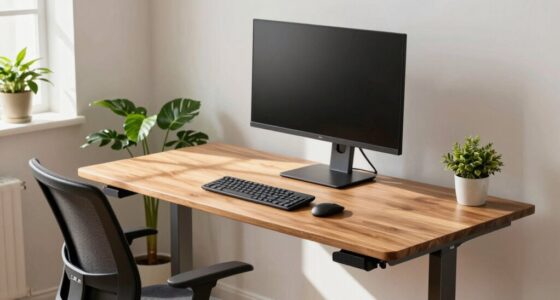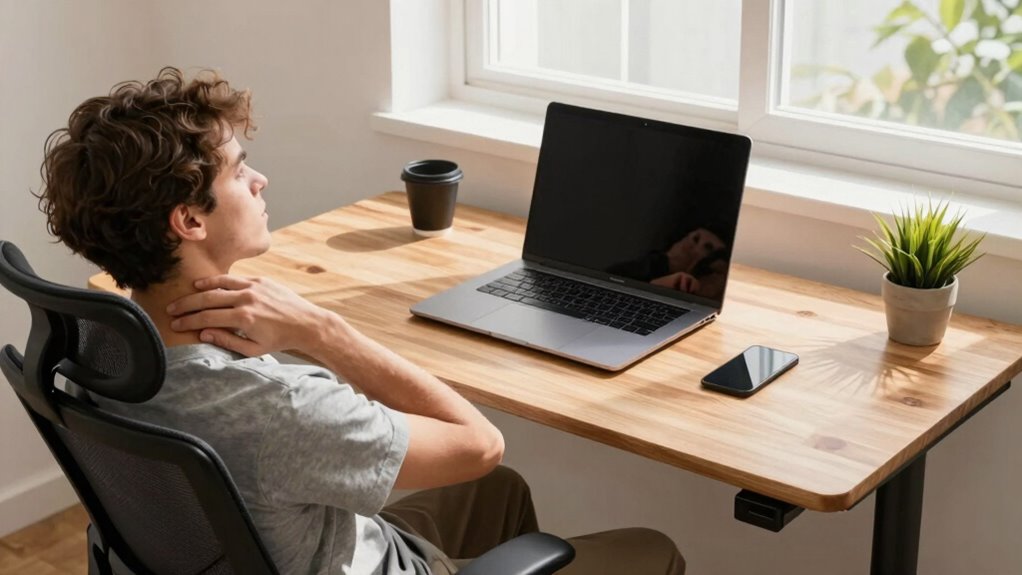

If you’re experiencing neck pain by noon, your desk height might be off. When your desk is too high or low, it strains your neck and shoulders, causing discomfort. To fix this, adjust your desk so that your elbows are at a 90-degree angle and your monitor is at eye level. Using ergonomic accessories and paying attention to your posture can make a big difference. Keep going to discover more tips for lasting relief.
Key Takeaways
- Ensure your desk height allows elbows at 90° and monitor at eye level to reduce neck strain.
- Use ergonomic accessories like monitor risers and adjustable desks for personalized alignment.
- Take regular breaks to stretch, rotate your neck, and change positions to prevent fatigue.
- Keep your workspace organized, with the monitor directly in front and proper lighting to minimize head tilt.
- Maintain good posture and avoid slouching or craning forward, adjusting your setup as needed throughout the day.
Why Is Your Neck Hurt at Work? Understanding Desk Height

If your neck aches after long hours at your desk, the problem might be your workspace setup. Applying ergonomic principles can help prevent strain. One key factor is workstation customization—adjusting your desk height so your monitor is eye level and your keyboard and mouse are within easy reach. When your desk isn’t properly aligned, you might find yourself craning your neck or slouching, which leads to discomfort. Proper ergonomic principles emphasize maintaining a neutral neck position, reducing unnecessary strain. Customizing your workstation by adjusting your chair height, monitor position, and desk setup ensures your neck stays aligned and relaxed. Small changes can make a significant difference in preventing neck pain and improving your overall comfort during long work hours. Safety guidelines for ergonomic setup can further help you create a healthier workspace. Additionally, understanding the importance of ergonomic design can guide you toward more effective workspace adjustments.
How Can You Tell if Your Desk Is Too High or Low? Signs to Watch For
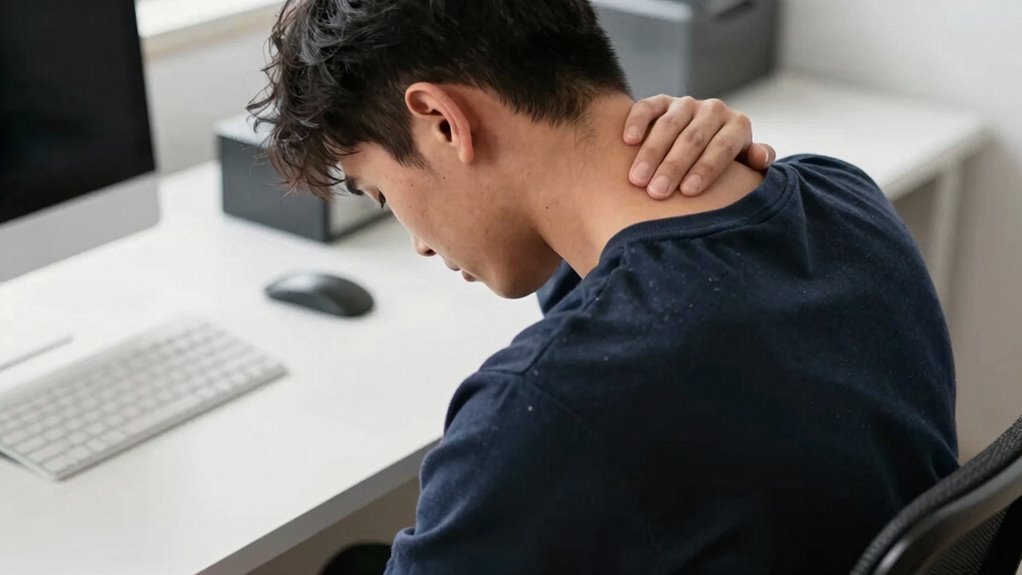
Determining whether your desk is too high or too low is essential for maintaining proper neck and shoulder posture during work. Ergonomic mismatches often manifest through simple posture cues. If your shoulders are tense or elevated, your desk may be too high. Conversely, if you find yourself slouching or leaning forward, your desk could be too low. Notice if your wrists are bent or if your elbows aren’t comfortably at a 90-degree angle—these are signs of improper height. Also, pay attention to neck discomfort or frequent shifting positions, which indicate your setup isn’t supporting proper alignment. Being aware of these signs helps you identify whether your desk needs adjustment, ensuring you avoid strain and promote better ergonomic habits. Understanding ergonomic principles can further assist you in optimizing your workspace for comfort and health. Additionally, using appropriate desk height can significantly reduce the risk of developing neck pain by noon. Proper workstation setup is crucial for long-term comfort and can prevent discomfort before it begins. Regularly checking and adjusting your workspace according to ergonomic guidelines ensures sustained comfort and reduces the likelihood of pain. Incorporating adjustable furniture allows for more precise customization to your body and task requirements.
How to Measure and Set Your Desk to Stay Comfortable
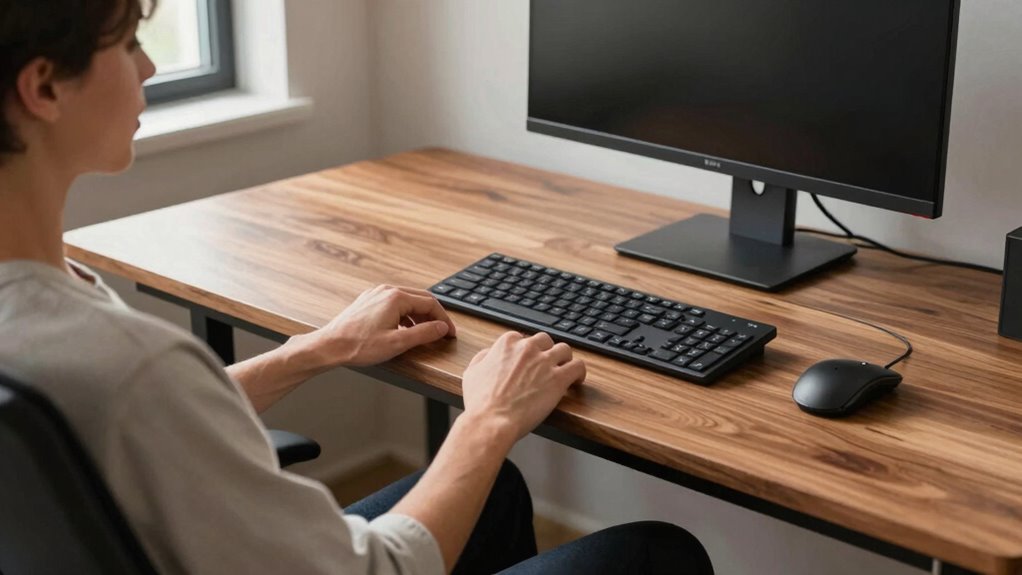
To guarantee your desk setup promotes comfort and proper posture, start by measuring your ideal working height. Use a measuring tape to find the distance from your seat to your elbows when your arms are relaxed at a 90-degree angle. This helps ensure ergonomic tips are followed for proper posture correction. Here’s a simple guide:
| Your Height | Desk Height | Notes |
|---|---|---|
| Short (under 5’4″) | 24-26″ | Keep wrists straight |
| Average (5’4″-5’10”) | 26-28″ | Adjust chair accordingly |
| Tall (over 5’10”) | 28-30″ | Elevate or use a stand |
| Extra Tall | 30+” | Consider adjustable desks |
Set your desk to match these measurements for comfort, reducing neck strain and supporting ergonomic posture. Ensuring your workspace is properly adjusted can make a significant difference in preventing discomfort. Additionally, incorporating ergonomic accessories like keyboard trays or monitor risers can further enhance your setup. Regularly changing positions and taking short breaks from sitting can help maintain comfort throughout the day and prevent repetitive strain injuries. For optimal ergonomic health, it’s also helpful to be aware of ergonomic best practices, which can be supported by digital tools and professional guidance.
Adjusting Your Desk for Better Posture and Less Neck Strain

Adjusting your desk properly can make a significant difference in reducing neck strain and improving your posture. Start by raising your monitor using monitor risers so the top of the screen is at eye level. This prevents you from looking down or up, which strains your neck. Consider using ergonomic cushions on your chair to support your lower back and promote proper spinal alignment. Make certain your keyboard and mouse are positioned so your elbows stay close to your body and your wrists remain straight. Keep your feet flat on the floor or on a footrest if needed. Small adjustments like these help maintain a neutral head position, reducing tension and fatigue. Ensuring your ergonomic setup is correct can prevent long-term discomfort and support good posture. Additionally, paying attention to proper ergonomic principles can further enhance your comfort and reduce strain during long work hours. Incorporating adjustable furniture can also allow for customized positioning to suit your specific needs. Being mindful of ergonomic best practices can help you develop habits that sustain comfort and prevent injury over time. Proper desk setup is key to long-term comfort and avoiding persistent neck pain during your workday.
Must-Have Ergonomic Accessories to Support Your Setup
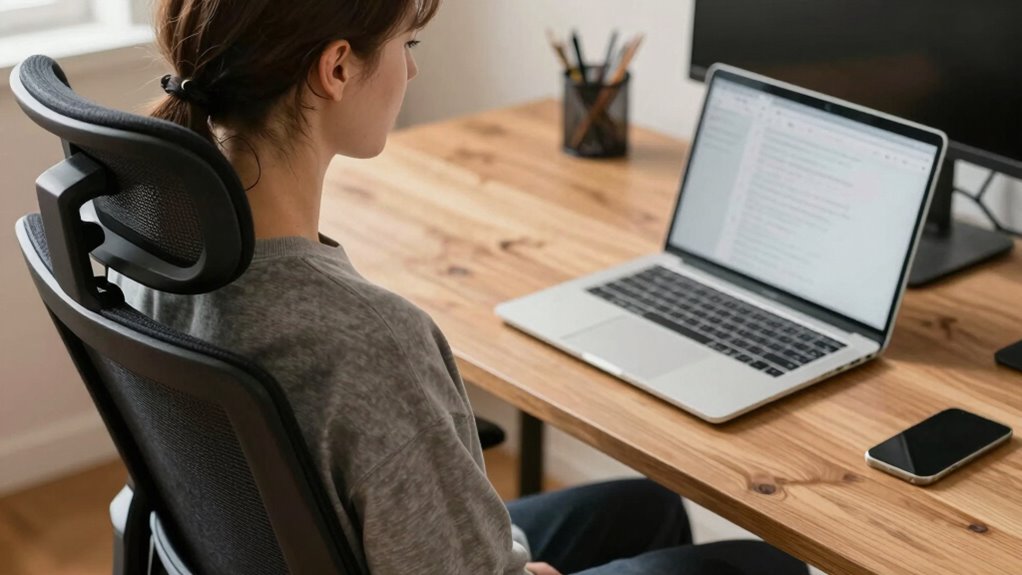
Equipping your workspace with the right ergonomic accessories can make a noticeable difference in maintaining comfort and preventing neck pain. Ergonomic cushions provide extra support for your lower back or sit bones, encouraging proper posture and reducing strain. Monitor risers are essential for elevating your screen to eye level, which keeps your neck aligned and minimizes downward or upward tilt. By raising your monitor, you avoid craning your neck or leaning forward, both common causes of tension. Incorporating European regulations into your workspace setup can also help ensure your equipment complies with regional safety standards. Additionally, choosing accessories that meet ergonomic guidelines can optimize your comfort and safety. Properly workspace ergonomics can further enhance your setup, reducing the risk of discomfort over long periods. Introducing adjustable height settings allows you to customize your workspace for optimal posture. Combining ergonomic cushions with monitor risers creates a more supportive, comfortable setup that encourages natural posture throughout your workday. These accessories are simple upgrades that can substantially reduce discomfort, helping you stay focused and pain-free, even during long hours at your desk.
Common Mistakes That Make Neck Pain Worse and How to Avoid Them

One common mistake that worsens neck pain is neglecting the importance of proper desk height, which often leads to poor posture habits. Many believe ergonomic myths that any desk setup works as long as it looks comfortable, but incorrect desk height forces you to crane or tilt your neck. This exaggerated positioning strains muscles and worsens pain. Ignoring proper posture habits, like keeping screens at eye level and shoulders relaxed, also contributes to discomfort. To avoid these mistakes, make sure your desk is adjusted so your elbows are at a 90-degree angle and your monitor is directly in front of you. Proper ergonomic setup prevents unnecessary strain and helps keep your neck healthy throughout the day. Additionally, understanding air quality and how to improve it in your workspace can reduce overall discomfort and promote better posture habits. Ensuring good workspace ergonomics can significantly enhance comfort and reduce neck strain during long hours at your desk. Incorporating correct lighting can also minimize eye strain and help maintain proper head and neck alignment.
Tips to Keep Your Neck Healthy Throughout the Day
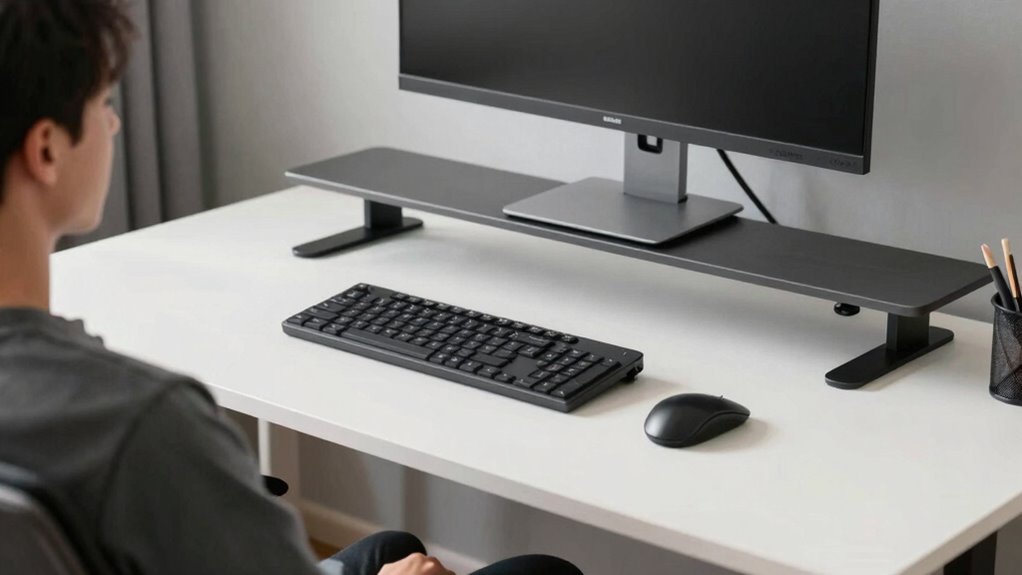
Maintaining a healthy neck throughout the day starts with simple, mindful habits that support good posture. Use ergonomic cushions to help keep your spine aligned and reduce strain. Take regular breaks to stand, stretch, and reset your posture. Incorporate neck stretches into your routine, such as gentle rotations and tilts, to alleviate tension. Keep your workspace organized so your screen is at eye level, minimizing downward or upward head movements. Consider adjusting your chair and desk height to promote proper alignment. Additionally, remain aware of your posture, avoiding slouching or craning your neck forward. These small adjustments, combined with mindful habits, can markedly reduce neck pain and keep you comfortable throughout the day.
Frequently Asked Questions
Can I Use a Standing Desk to Reduce Neck Pain?
Yes, using a standing desk can help reduce neck pain. It encourages better posture correction and allows you to switch between sitting and standing, which relieves strain. Make sure to incorporate ergonomic accessories like an adjustable monitor and an anti-fatigue mat. Standing desks promote dynamic movement, helping you maintain proper alignment and reduce tension in your neck muscles throughout the day.
How Often Should I Take Breaks to Prevent Neck Strain?
You should take breaks every 30 to 60 minutes to prevent neck strain. During these breaks, use ergonomic accessories like adjustable chairs or monitor stands to improve your posture awareness. Stretch gently and move around to relieve tension. Regularly shifting positions helps reduce muscle fatigue and keeps your neck healthy. Staying mindful of your posture and incorporating these breaks guarantees you avoid discomfort and maintain productivity throughout the day.
Are There Specific Desk Heights Recommended for Different Heights?
You should choose desk heights based on ergonomic standards, which recommend your elbows remain at a 90-degree angle when typing. Adjustable desks are ideal because they accommodate different heights, ensuring comfort. For shorter individuals, a lower desk height helps prevent neck strain, while taller users benefit from a higher setting. Always adjust your desk so your monitor is at eye level, promoting good posture and reducing discomfort.
What Are the Best Exercises to Relieve Neck Tension at Work?
To relieve neck tension at work, try ergonomic stretches like gentle neck tilts and shoulder rolls. These exercises improve neck mobility and release built-up stress. Incorporate slow, controlled movements, holding each stretch for a few seconds. Regularly taking breaks to perform these stretches can prevent tension from accumulating, helping you stay comfortable and focused throughout the day. Keep moving to maintain a healthy neck and reduce discomfort.
How Does Chair Height Impact Neck Health and Desk Setup?
Adjusting your chair height is essential for cultivating a comfortable, ergonomic posture. When you set your chair at the right level, your monitor aligns eye level, reducing neck strain and promoting proper support. Proper chair adjustment encourages an ergonomic posture, preventing persistent pain and promoting productivity. Don’t forget to frequently check and tweak your chair height to keep your neck healthy and your workspace harmonious.
Conclusion
Remember, a stitch in time saves nine—pay attention to your desk setup before discomfort takes over. By adjusting your desk height, using ergonomic accessories, and maintaining good posture, you can keep neck pain at bay and stay comfortable all day. Don’t wait for pain to become a problem; small changes now can make a big difference. Stay proactive, and your neck will thank you for it!