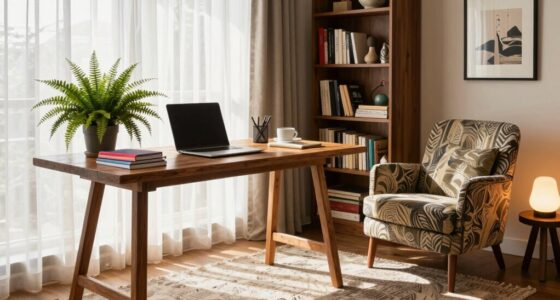
To make focus easier in your home office, position your desk near a window for plenty of natural light, which boosts mood and reduces eye strain. Use ergonomic furniture like supportive chairs and adjustable desks, and keep essential items within arm’s reach to stay organized. Arrange your space to allow smooth movement while minimizing distractions. Incorporate personal touches and good lighting, and you’ll create a balanced, productive environment. Stick around to discover how these tips come together for maximum focus.
Key Takeaways
- Position your desk near a window to maximize natural light and improve focus.
- Use ergonomic furniture and accessories to support comfort during long work sessions.
- Keep frequently used items within arm’s reach to reduce distractions and enhance efficiency.
- Arrange furniture for easy movement, minimizing obstructions and interruptions.
- Incorporate calming elements like indoor plants to create a focused, balanced environment.
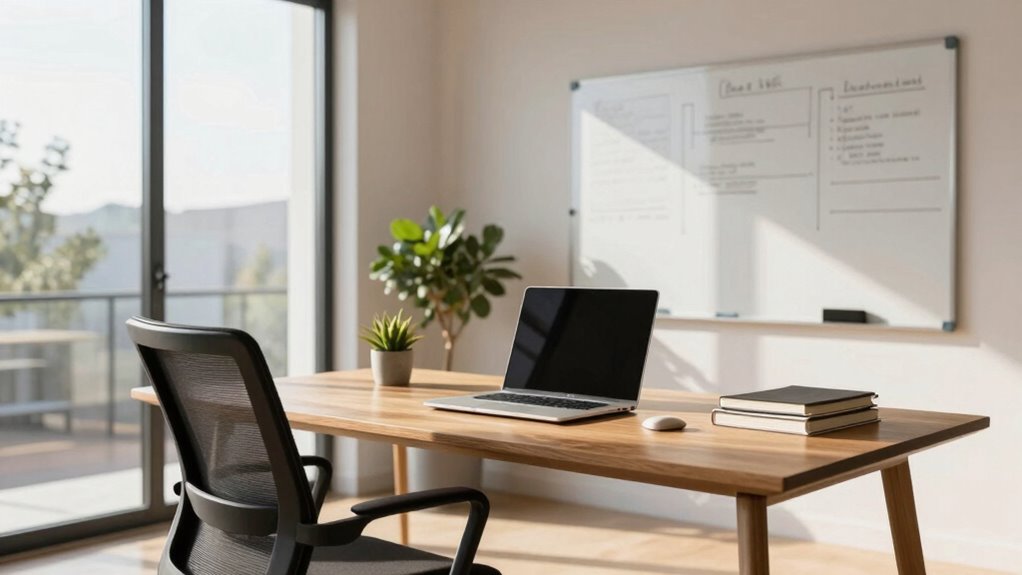
Are you wondering how to design a home office that maximizes productivity and comfort? The key lies in creating a layout that balances functionality with a touch of personal style. Starting with your desk placement, position it near a window if possible, to take advantage of natural light. Natural light not only boosts your mood but also reduces eye strain, which is essential when working long hours. To guarantee your workspace is well-lit, incorporate effective lighting solutions, such as adjustable desk lamps or overhead lighting that can be dimmed. Good lighting minimizes glare and shadows, helping you focus without fatigue.
Position your desk near a window to maximize natural light and boost productivity.
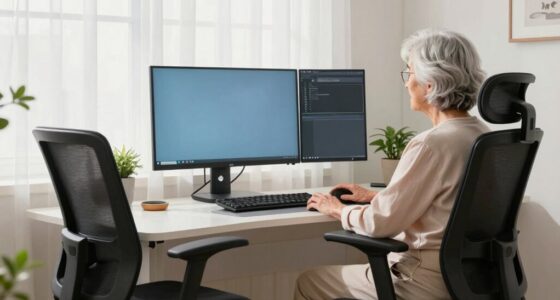
Next, think about ergonomic accessories that promote comfort and health. Your chair should support your lower back and allow your feet to rest flat on the floor. Pair it with an adjustable desk that enables you to switch between sitting and standing positions. When you work at your desk, use ergonomic accessories like a keyboard and mouse designed to reduce strain on your wrists and hands. A monitor stand or adjustable arm can help position your screen at eye level, preventing neck and eye discomfort. These small adjustments make a big difference in maintaining focus over extended periods.
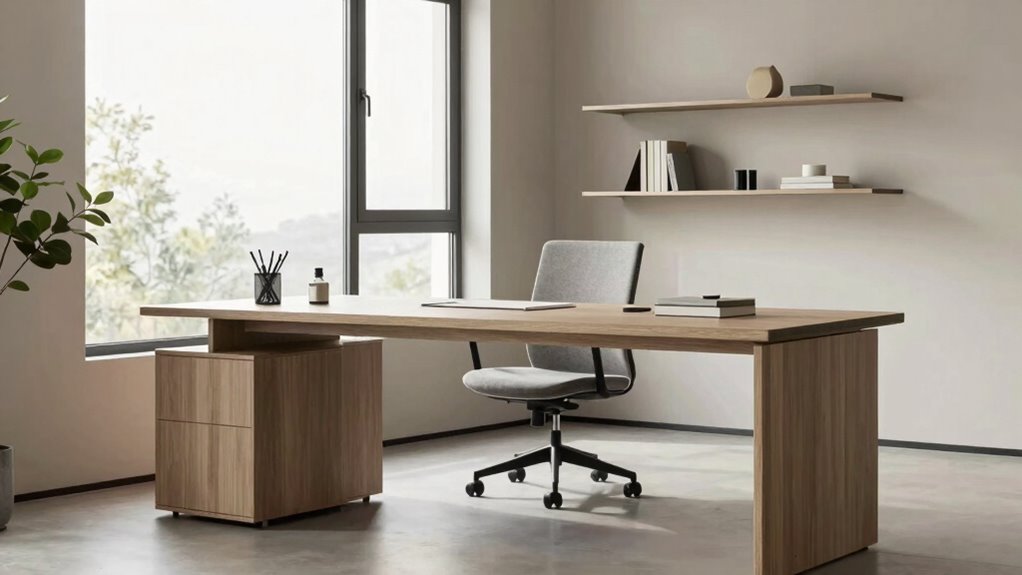
Organization is another vital element of the layout formula. Keep frequently used items within arm’s reach and store less-used supplies away to avoid clutter. A tidy workspace minimizes distractions and helps you stay on task. Incorporate storage solutions like shelves, drawers, or filing cabinets that suit your needs, ensuring everything has a designated place. This organized environment encourages a clear mind, making it easier to concentrate on your work. Additionally, integrating ergonomic principles into your layout can help improve your overall comfort and productivity. Incorporating proper workspace arrangement can further optimize your environment for efficiency and wellbeing. Being mindful of biodiversity by adding indoor plants can also enhance your workspace atmosphere and air quality, creating a more inviting environment.
Lastly, consider the overall flow of your home office. Arrange your furniture so that movement feels natural and unobstructed. Place your workspace away from high-traffic areas to reduce interruptions. Including a comfortable spot for breaks, such as a cozy chair or small sofa, can help you recharge without leaving the room. A well-thought-out layout that promotes easy movement and minimizes distractions will make focusing much simpler. Paying attention to workspace ergonomics ensures your setup supports your physical health while working efficiently.

Marsail Ergonomic Office Chair: Office Desk Chair with High Back Mesh and Adjustable Lumbar Support Rolling Work Swivel Task Chairs with Wheel 3D Armrests and Headrest
- Fully Adjustable Headrest: 2D adjustable for personalized comfort
- Reclining Backrest: Adjusts from 90° to 120°
- 3D Adjustable Armrests: Customizable for various postures
As an affiliate, we earn on qualifying purchases.
As an affiliate, we earn on qualifying purchases.
Frequently Asked Questions
How Do I Adapt the Layout for Small Spaces?
To adapt your layout for small spaces, focus on using space-saving furniture like foldable desks or wall-mounted shelves. Incorporate creative storage solutions such as under-desk drawers or multi-functional furniture that doubles as storage. Keep clutter minimal by regularly decluttering, and prioritize essential items to maximize your workspace. With these strategies, you’ll create a functional, organized home office that promotes focus without feeling cramped or overwhelmed.
What Colors Boost Focus in a Home Office?
To boost focus in your home office, choose colors based on color psychology—blues and greens promote calmness and concentration, while neutral tones like beige or gray create a peaceful environment. Pair these with good office lighting to enhance alertness and reduce eye strain. Bright, natural light or adjustable LED lamps work best. These elements together help create a workspace that encourages productivity and minimizes distractions.
How Can I Reduce Distractions in My Workspace?
To reduce distractions in your workspace, start by implementing soundproofing techniques like adding rugs, weatherstripping, or acoustic panels to minimize noise. Optimize your lighting by using natural light during the day and task lighting to reduce glare and eye strain. Keep your workspace tidy, and set clear boundaries with others. These steps help create a focused environment, so you can concentrate better and stay productive throughout your workday.
What Ergonomic Furniture Is Recommended for Long Hours?
You’ll want ergonomic accessories like lumbar supports and adjustable desks that evolve with your whims. Opt for adjustable furniture, so you can switch from sitting like royalty to standing like a boss in seconds. These choices keep your body happy, boost productivity, and prevent the dreaded “office slump.” Remember, your long hours deserve furniture that adapts, not one-size-fits-all thrones—unless you enjoy the pain of inflexibility.
How Often Should I Reorganize My Home Office?
You should reorganize your home office every 3 to 6 months to maintain productivity. Focus on updating storage solutions to keep clutter at bay and optimize your space. Adjust your lighting configurations based on seasonal changes or new tasks to reduce eye strain and boost focus. Regular reorganization helps you stay efficient, prevents discomfort from outdated setups, and keeps your workspace inspiring and tailored to your evolving needs.
Conclusion
By applying this home office layout formula, you’ll find it easier to focus and boost productivity. Remember, a well-organized space can improve your work efficiency by up to 30%, according to recent studies. Keep your essentials within reach, minimize clutter, and create distinct zones for work and relaxation. With these simple tweaks, you’ll enjoy a more comfortable and focused work environment, making your home office a place where you can truly thrive.