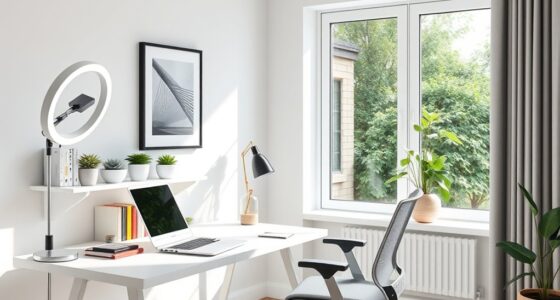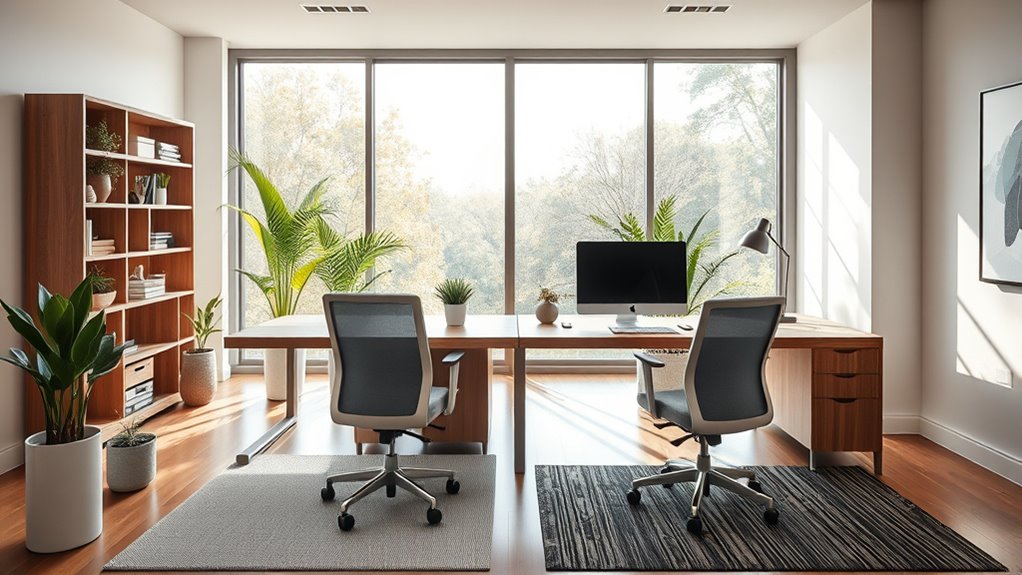

To design an effective shared home office for two, focus on ergonomic furniture like adjustable chairs and desks to keep comfort high. Create clear boundaries with room dividers or designated zones to reduce distractions and establish boundaries. Keep the space organized with storage solutions and good lighting to boost mood and focus. Communicate your needs and set expectations for privacy and work hours. If you make these adjustments, you’ll build a productive environment that works for both of you—find out more to optimize your setup.
Key Takeaways
- Incorporate ergonomic furniture with adjustable chairs and desks to support comfort and good posture for both users.
- Use privacy solutions like dividers or soundproof panels to create designated work zones and reduce distractions.
- Arrange desks to face away from each other or towards different walls to minimize visual and auditory disturbances.
- Establish clear boundaries and communication about work hours, responsibilities, and shared space expectations.
- Enhance the workspace with good lighting, organized storage, and minimal clutter to boost focus and productivity.
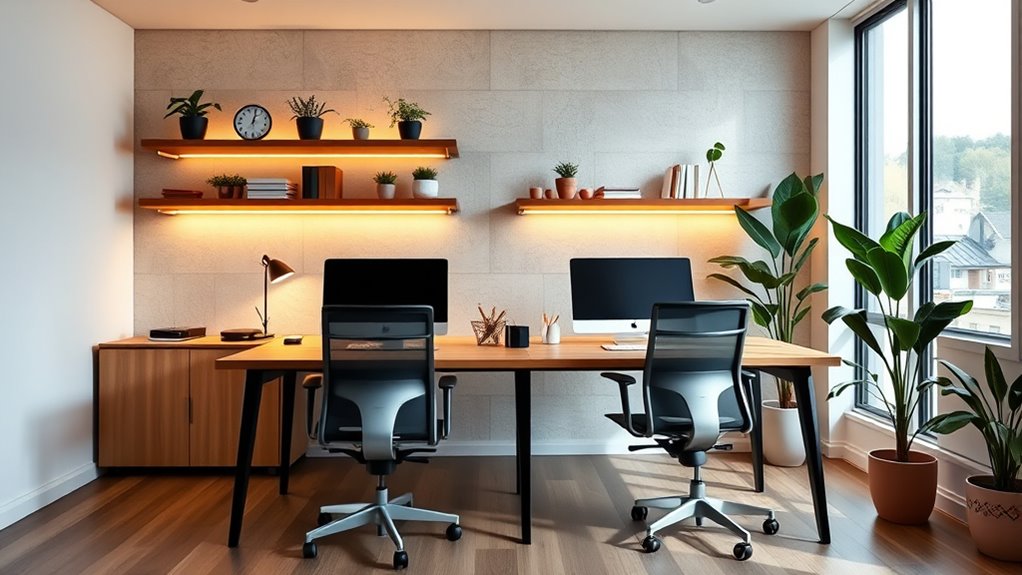
Creating a shared home workspace can boost your productivity and make remote work more manageable. When you’re designing a space for two, it’s essential to consider how both of you will work comfortably and efficiently. One of the key factors is choosing the right ergonomic furniture. Investing in ergonomic chairs and desks helps prevent discomfort and fatigue, keeping you both focused throughout the day. Adjustable chairs that support good posture, along with desks that accommodate different heights, can make a significant difference in overall comfort. Proper ergonomic furniture isn’t just about health; it also improves concentration, reduces distractions caused by discomfort, and encourages a more professional environment at home.
In addition to ergonomic furniture, privacy solutions are vital for maintaining focus and boundaries. When sharing a workspace, it’s easy to get distracted or interrupted, which can hurt productivity. To prevent this, incorporate privacy solutions like room dividers, soundproof panels, or even designated zones within the room. These tools help create a sense of separation, making it clear when someone is working and shouldn’t be disturbed. Using noise-canceling headphones can further enhance your ability to concentrate during critical tasks. By establishing physical and visual boundaries, you’ll both feel a sense of ownership over your designated areas, reducing conflicts and encouraging respect for each other’s work time.
Maximizing space is essential when designing a shared home office. Position your desks to face away from each other or towards different walls, minimizing visual distractions. If space allows, add shelves or storage units that keep personal and work items organized, preventing clutter from taking over the workspace. Clutter can be a major distraction and hinder your productivity, so keeping the area tidy benefits both of you. Also, consider lighting—good lighting, preferably natural light, can boost mood and alertness. Use adjustable task lighting to ensure each of you has enough illumination for your specific needs.
Finally, communication plays an important role in a shared workspace. Set clear expectations about work hours, breaks, and shared responsibilities. Talk openly about what privacy solutions work best for each of you, and be flexible enough to adapt as needed. When each person feels heard and respected, your shared workspace becomes a productive environment rather than a source of stress. Additionally, staying informed about market trends and insights can help you optimize your workspace setup in line with current work-from-home practices. When you incorporate the right ergonomic furniture, privacy solutions, and open communication, you can create a shared home office that enhances your productivity and makes remote work a seamless experience for both of you.
Frequently Asked Questions
How Do I Manage Noise Levels With Two Remote Workers?
To manage noise levels with two remote workers, use soundproofing techniques like acoustic panels or rugs to dampen sound. Encourage the use of noise-canceling devices such as headphones during calls or focused work. Establish quiet hours and designate separate zones if possible. Communicating openly about noise expectations helps maintain a productive environment, ensuring both of you can work comfortably without disruptions.
What Are the Best Storage Solutions for Shared Office Supplies?
Think of your shared office supplies as a well-tended garden—organized and accessible. Use sleek desk organizers for quick-grab items and dedicated drawers for less-frequent tools. Shelving options, like wall-mounted units or rolling carts, act as trellises supporting your supply structure. Keep everything visible yet tidy, making it easy for both of you to find what you need without chaos, fostering harmony and efficiency in your shared workspace.
How Can I Personalize a Shared Workspace Without Clutter?
You can personalize your shared workspace without clutter by adding personalized decor like photos or artwork in designated zones. Keep each zone organized with clear boundaries for work and personal items, which helps prevent clutter. Use stylish storage solutions to hide excess supplies and maintain a clean look. Incorporate small, meaningful items that reflect your personality, but keep them confined to specific areas so the space remains tidy and personalized.
What Are Affordable Ergonomic Furniture Options for Two People?
Imagine transforming your workspace into a haven of comfort and productivity. You can find affordable ergonomic chairs that support your posture and adjustable desks to suit both your needs. Look for secondhand options or sales to save money. These choices not only boost your well-being but also create a balanced, functional environment for two, proving that comfort and affordability can work hand-in-hand in your shared home office.
How Do I Schedule the Workspace to Prevent Conflicts?
To prevent conflicts, you should establish clear schedules using time management techniques. Set specific work hours for each person, and communicate openly about needs and flexibility. Use shared calendars or planning apps to coordinate your availability, and regularly review your schedule to address conflicts early. This proactive approach promotes conflict resolution, guarantees both of you have dedicated workspace time, and helps maintain a harmonious shared home office environment.
Conclusion
Creating a shared home workspace isn’t just about saving space; it’s about fostering connection and understanding. When you design thoughtfully, you prove that collaboration can thrive even in close quarters. Some believe that shared spaces breed conflict, but with intention, they can build trust and teamwork. Trust in this process can transform your home into a sanctuary of productivity and harmony. Embrace the challenge—your shared space might just open up unexpected growth and deeper relationships.