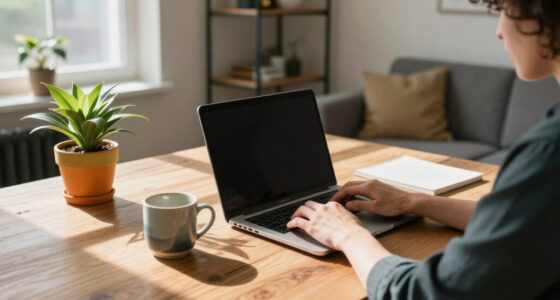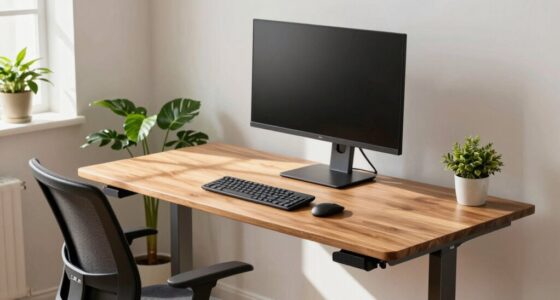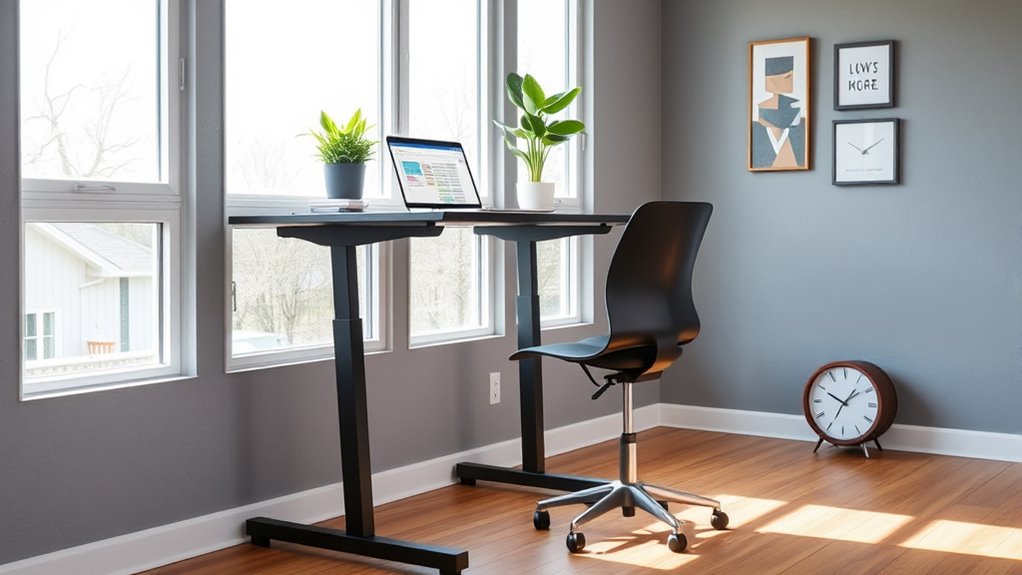
To avoid sitting too much in your home office, switch between sitting and standing with an adjustable desk, and take breaks every 30 to 60 minutes for stretches or short walks. Use ergonomic furniture to support proper posture and keep essentials within easy reach, reducing unnecessary movement. Arrange your workspace near windows or accessible areas to promote natural movement. Keep exploring to discover more tips on creating a healthier, more active workspace.

Get furniture and decor delivered free — and shop member deals
- Fast, free delivery on millions of items
- Access to Prime Big Deal Days deals on October 6–7
- Prime Video, Amazon Music and more included
Key Takeaways
- Use adjustable sit-stand desks to easily switch between sitting and standing positions throughout the day.
- Incorporate regular movement breaks every 30-60 minutes to stretch and change posture.
- Arrange your workspace near windows or accessible areas to encourage movement and natural light.
- Add ergonomic accessories like footrests or balance ball chairs to promote active sitting.
- Reorganize your home office to facilitate smooth transitions between sitting and standing tasks.
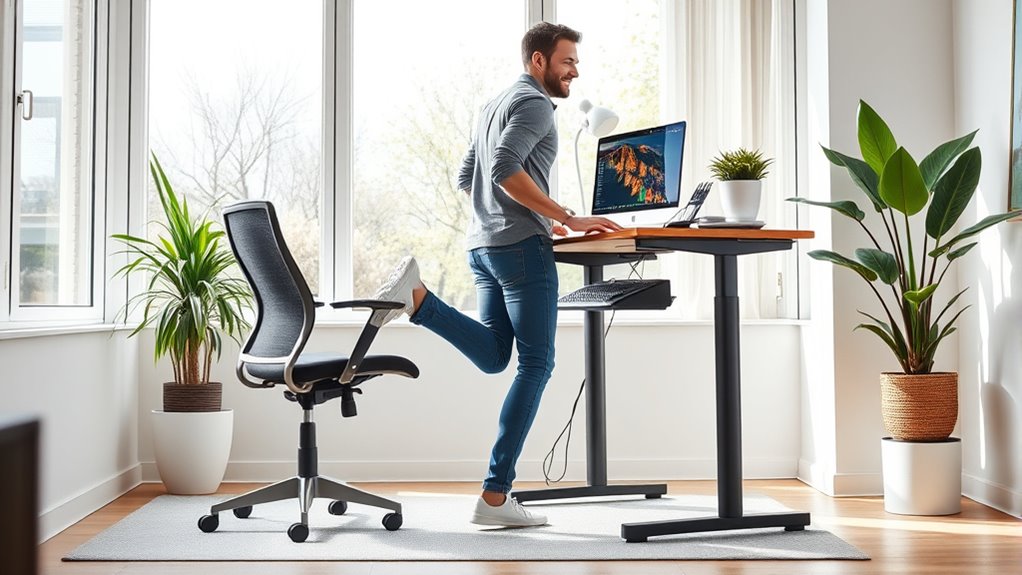
If you spend long hours working from home, sitting all day can take a toll on your health. Prolonged sitting can lead to back pain, stiff joints, and decreased circulation, making it essential to find ways to stand more and move regularly. One effective strategy is investing in ergonomic furniture. Ergonomic desks and chairs are designed to support proper posture, reducing strain on your neck, shoulders, and lower back. An adjustable sit-stand desk allows you to change positions throughout the day, giving you the flexibility to alternate between sitting and standing. This not only minimizes the physical discomfort associated with prolonged sitting but also boosts your energy and focus.
But simply having ergonomic furniture isn’t enough. You need to incorporate movement breaks into your routine. Every 30 to 60 minutes, set a timer to remind yourself to stand up, stretch, or walk around. These short breaks help improve blood circulation, reduce muscle stiffness, and refresh your mind, making you more productive when you return to work. During these breaks, consider doing simple stretches or quick exercises—like shoulder rolls, neck stretches, or leg lifts—that target common areas of tension. Moving your body regularly can prevent the sluggishness and fatigue that often come with sitting for too long. Incorporating movement habits into your day can further enhance your overall well-being and support better posture over time.
Creating a home office environment that encourages movement also involves rearranging your space. Position your desk near a window or in a spot where you can easily access different areas of your home. When possible, use a secondary workspace that requires you to move from one location to another—like a standing desk by a bookshelf or a workstation in a different room. Keep your essentials within reach to avoid excessive bending or stretching, and consider adding a footrest or a balance ball chair to promote active sitting when standing isn’t an option.
As an affiliate, we earn on qualifying purchases.
Frequently Asked Questions
What Are the Health Risks of Prolonged Sitting at Home?
Prolonged sitting at home increases your risk of poor posture, weight gain, and cardiovascular issues. Sitting for hours strains your back and neck, leading to discomfort. To combat this, use an ergonomic chair and take regular breaks to stand or stretch. Switching to a standing desk can also help reduce health risks, boost circulation, and improve your overall well-being during long work sessions.
How Can I Motivate Myself to Stand More During Work?
Ever wonder how to stay motivated to stand more during work? You can set up a standing desk, which makes switching from sitting effortless. Use motivational cues like timers or reminders to prompt you to stand regularly. Keep your workspace inviting and remind yourself of the health benefits. Why not challenge yourself to stand for a certain period each hour? Small steps like these make standing more natural and rewarding.
What Ergonomic Accessories Can Improve My Home Office Setup?
To improve your home office setup, consider ergonomic accessories like an adjustable monitor stand to optimize desk ergonomics and reduce neck strain. A keyboard tray can help you maintain proper keyboard positioning, preventing wrist discomfort. An ergonomic chair with adjustable height and lumbar support also promotes better posture. These accessories guarantee your workspace supports healthy habits, making it easier to stay comfortable and productive while working long hours.
How Often Should I Take Breaks From Sitting?
You should take breaks from sitting every 30 to 60 minutes to maintain good posture and prevent discomfort. During these sitting intervals, stand up, stretch, or walk around for a few minutes. Regular break frequency helps reduce strain on your muscles and improves circulation. Make it a habit to set reminders, ensuring you don’t overlook your sitting intervals and keep your home office ergonomically friendly.
Are There Specific Exercises to Reduce Sitting-Related Discomfort?
Yes, you can reduce sitting-related discomfort with specific exercises. Incorporate stretching routines like hamstring stretches, chest openers, and neck rolls to loosen tight muscles. Seated exercises such as seated leg lifts, seated marches, and torso twists help improve circulation and reduce stiffness. Doing these regularly throughout your workday keeps your muscles active, eases tension, and boosts comfort, making your home office setup healthier and more productive.
Conclusion
So, next time you’re tempted to turn your home office into a throne of sitting, remember: your future self will thank you for not turning into a desk potato. Swap that chair for a standing desk, or better yet, embrace a treadmill—because nothing says productivity like jogging through your emails. Who knew that avoiding sitting could be the secret to staying sane, alert, and maybe even a little bit charming? Stay active, stay fabulous!
Fall Picks
fall essentials
As an affiliate, we earn on qualifying purchases.