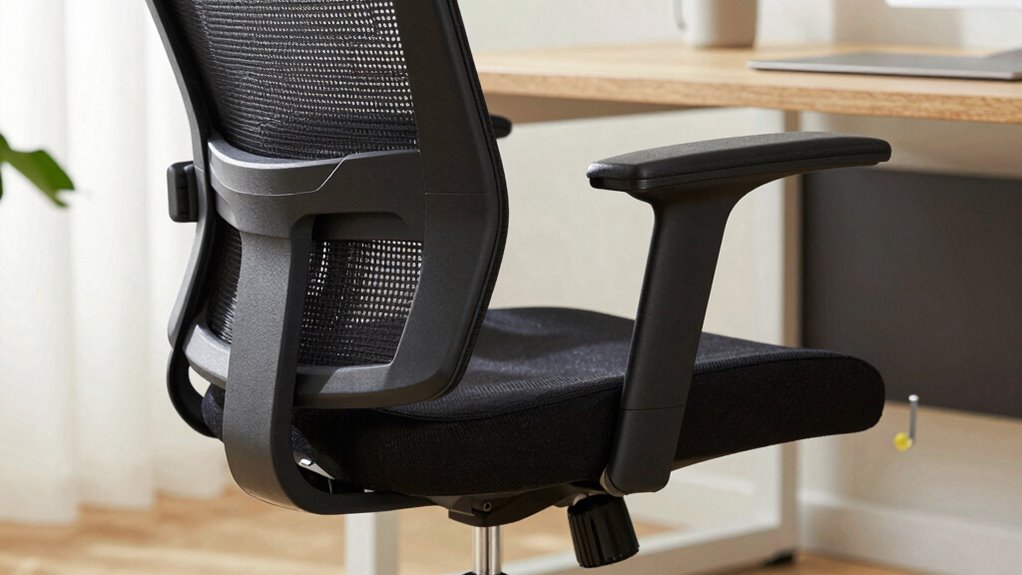

Many people overlook essential office chair adjustments that improve comfort and posture. You might set your chair height too high or low, leaving your feet unsupported or your knees at an awkward angle. You may also neglect lumbar support, causing back pain, or fail to position armrests correctly, leading to shoulder strain. Adjusting tilt and recline angles properly can reduce disc pressure and boost comfort. Keep going to discover how fine-tuning each setting can make a real difference.

Get furniture and decor delivered free — and shop member deals
- Fast, free delivery on millions of items
- Access to Prime Big Deal Days deals on October 6–7
- Prime Video, Amazon Music and more included
Key Takeaways
- Many people overlook adjusting seat height to ensure feet rest flat and knees are at a 90° angle.
- Proper lumbar support alignment is often neglected, leading to lower back pain and poor posture.
- Armrests are frequently left unadjusted, causing shoulder tension and arm strain.
- Repeatedly ignoring tilt and recline settings can result in discomfort and spinal misalignment.
- Failing to fine-tune all adjustments causes prolonged fatigue and ergonomic issues during extended sitting.
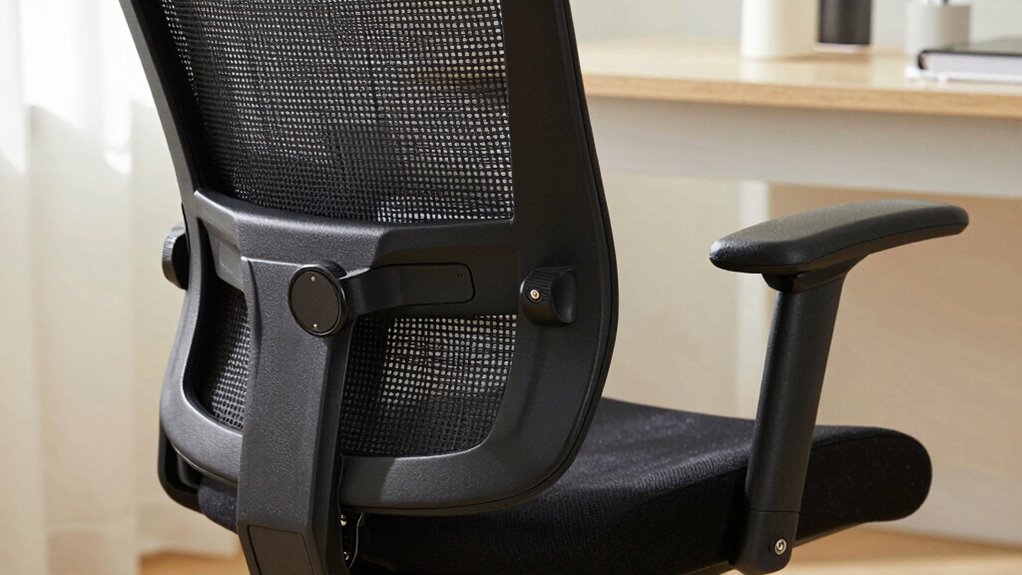
Have you ever wondered if your office chair is set up for maximum comfort and productivity? Many people overlook the importance of proper adjustments, which can lead to discomfort, fatigue, and even long-term health issues. One common mistake is neglecting to optimize the ergonomic design of your chair. An ergonomic chair isn’t just about style—it’s crafted to support your body’s natural curves and promote good posture. When you take the time to fine-tune your chair, you’re helping ensure proper posture alignment, which is critical for avoiding strain on your neck, shoulders, and back.
Properly adjusting your ergonomic chair supports natural curves and prevents neck, shoulder, and back strain.
The first adjustment you should focus on is the height. Many folks set their chair too high or too low without considering the impact on their posture. Your feet should rest flat on the floor, with your knees bent at roughly a 90-degree angle. This position helps distribute your weight evenly and reduces pressure on your lower back. Adjust the seat height so that your hips are slightly above your knees, maintaining a natural alignment that encourages comfort throughout the day. Don’t forget to check that your thighs are parallel to the ground, as this supports the ergonomic design of the chair and helps avoid circulation issues. Proper seat height is essential for maintaining healthy posture alignment during prolonged sitting.
Next, pay close attention to the lumbar support. Proper lumbar support aligns with the natural inward curve of your lower back. Many chairs have adjustable lumbar support, so take the time to position it correctly. When it’s set right, it fills the hollow of your back, helping to maintain posture alignment and prevent slumping. If your chair doesn’t have adjustable lumbar support, you can add a small cushion or a rolled-up towel to fill the space and provide additional support. This small tweak can make a significant difference in reducing lower back pain and fatigue after hours of sitting. Additionally, ergonomic design in your chair can greatly enhance your comfort and reduce strain over extended periods of sitting. Being mindful of ergonomic principles can help you customize your workspace for better health. Incorporating proper ergonomic adjustments can further optimize your sitting position and prevent discomfort. Remember that the ergonomic features of your chair are designed to support a balanced posture, so understanding and utilizing them correctly is key.
The armrests are another often-missed adjustment. They should be positioned so that your shoulders relax and your elbows rest comfortably at your sides, forming roughly a 90-degree angle. If your armrests are too high, they can elevate your shoulders, causing tension. Too low, and your arms won’t be supported, leading to strain. Adjust the armrest height and width to ensure your arms are supported without forcing your shoulders to lift or hunch. Proper armrest positioning can also help prevent repetitive strain injuries associated with prolonged desk work.
Finally, don’t overlook the tilt and recline functions. A slight backward tilt allows your spine to maintain its natural curve and reduces pressure on your discs. Experiment with the recline tension to find a position that feels supportive yet relaxed. When you make these adjustments consciously and correctly, your chair will better support your body’s ergonomic design, promote optimal posture alignment, and ultimately improve your comfort and productivity during long work hours.
ergonomic office chair with adjustable height
As an affiliate, we earn on qualifying purchases.
As an affiliate, we earn on qualifying purchases.
Frequently Asked Questions
How Often Should I Readjust My Office Chair During the Day?
You should readjust your office chair every 30 minutes to an hour to maintain proper ergonomics and comfort. Regularly checking your chair’s height, lumbar support, and armrests helps prevent strain. Incorporate ergonomic accessories, like cushions or footrests, for better support. Also, perform quick chair maintenance, like tightening screws or cleaning, to keep it functioning smoothly. Frequent adjustments guarantee you stay comfortable and reduce fatigue throughout your workday.
Are There Different Adjustments for Standing Desks Versus Sitting Desks?
Yes, standing desks and sitting desks have different adjustments to promote ergonomic posture. For standing desks, focus on desk height adjustment so your elbows are at a 90-degree angle and your monitor is at eye level. For sitting desks, you need to adjust your chair height for proper leg and back support. Both require tweaking your desk and chair to maintain comfort and prevent strain during extended use.
Can Improper Chair Adjustments Cause Long-Term Health Issues?
Improper chair adjustments can cause health issues that feel like a nightmare! Poor posture correction leads to chronic back pain, neck strain, and even nerve damage over time. Using ergonomic accessories and ensuring your chair is correctly adjusted helps prevent these problems. If you ignore proper setup, you risk long-term damage that’s hard to reverse. Prioritize your comfort now to avoid severe health consequences later!
What Common Mistakes Do People Make When Adjusting Their Office Chairs?
You often make mistakes by ignoring ergonomic accessories like lumbar supports or seat cushions, which can improve comfort. You might also neglect to adjust your chair height or tilt properly, leading to poor posture. Instead of sticking with one chair, consider chair replacement options if your current one isn’t adjustable or supportive enough. Regularly fine-tuning your setup helps prevent discomfort and long-term health issues, ensuring you stay comfortable and productive throughout the day.
Should My Feet Be Flat on the Ground When Sitting?
Yes, your feet should be flat on the ground when sitting. Proper foot positioning helps maintain a good sitting posture, reducing strain on your lower back and legs. If your feet don’t reach the ground comfortably, use a footrest. This guarantees your hips are at a 90-degree angle and promotes better alignment. Remember, maintaining correct sitting posture with proper foot positioning can prevent discomfort and improve overall comfort during long hours at your desk.
Conclusion
When you master those secret adjustments, your office chair becomes your loyal steed, carrying you comfortably through each workday. Don’t let this opportunity slip away like grains of sand—tweak, test, and tune until every part feels just right. Remember, a well-adjusted chair isn’t just furniture; it’s your trusty vessel in the voyage of productivity. So, saddle up, make those changes, and let your comfort steer you toward success.
Evergreen bestsellers Picks
bestsellers
As an affiliate, we earn on qualifying purchases.