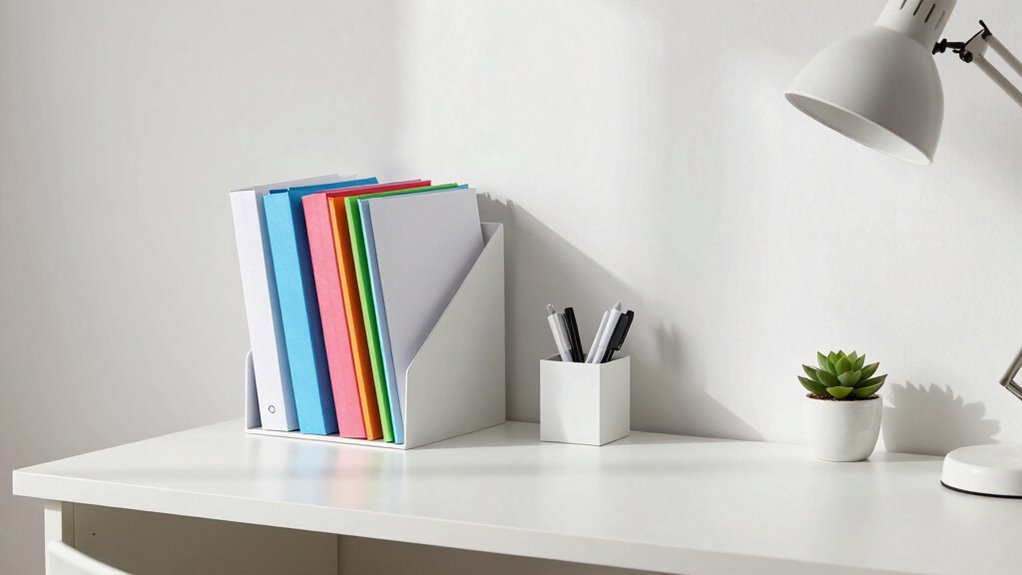

To clear paper piles from your small desk, create a simple filing system that suits your space. Start by sorting papers into categories like bills, receipts, and correspondence, then set clear goals such as reducing clutter by half. Use labels and compact organizers, and consider digitizing less-urgent documents. Regular upkeep—like weekly reviews—keeps your space tidy. Keep going to learn effective strategies for maintaining order and making your desk work for you.
Key Takeaways
- Categorize papers into bills, receipts, and correspondence to streamline organization and retrieval.
- Use compact filing solutions like desktop files or wall-mounted organizers to maximize small desk space.
- Label files clearly with descriptive titles and organize alphabetically or by category for quick access.
- Digitize infrequently accessed documents to reduce physical clutter and improve storage efficiency.
- Schedule regular reviews to update, shred outdated papers, and maintain a tidy, clutter-free workspace.
Why Organizing Your Desk With a Filing System Matters
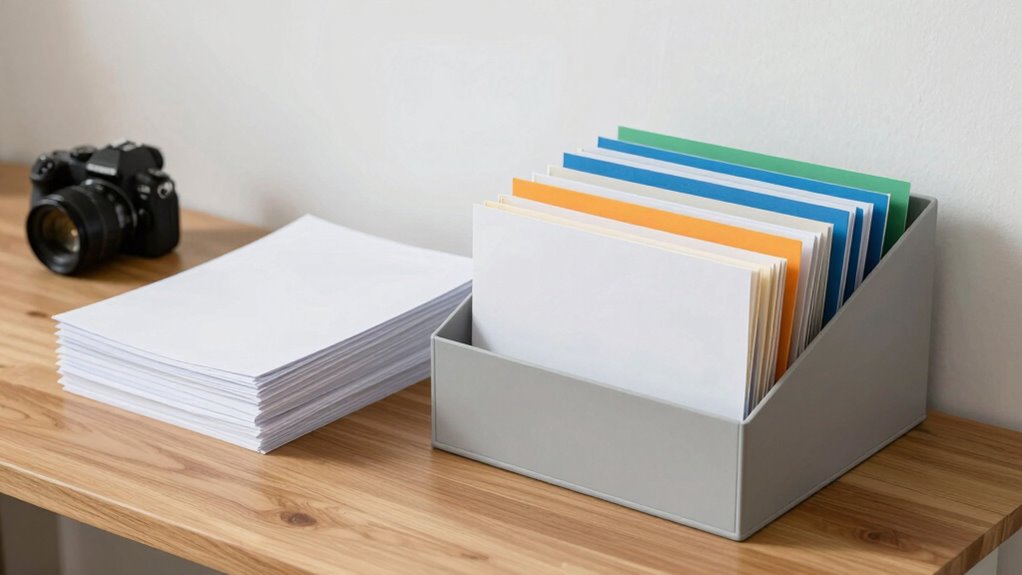
Organizing your desk with a filing system is essential because it helps you find important documents quickly and reduces clutter. When everything has a designated place, you save time searching for papers and stay focused on your tasks. Regular paper shredding of outdated or sensitive documents keeps your space tidy and protects your privacy. Additionally, creating digital backups of critical files ensures you won’t lose important information if papers get misplaced or damaged. A well-structured filing system streamlines your workflow and minimizes stress. It also encourages better document management habits, making it easier to stay organized long-term. Proper organization not only boosts productivity but also creates a clean, professional workspace you’ll enjoy working in every day. Implementing a color-corrected visual system can further enhance how you locate and identify your documents quickly, especially when combined with a document labeling approach. Incorporating consistent organization methods can help maintain your system’s effectiveness over time and promote efficient document retrieval.
How to Assess Your Papers and Set Clear Filing Goals
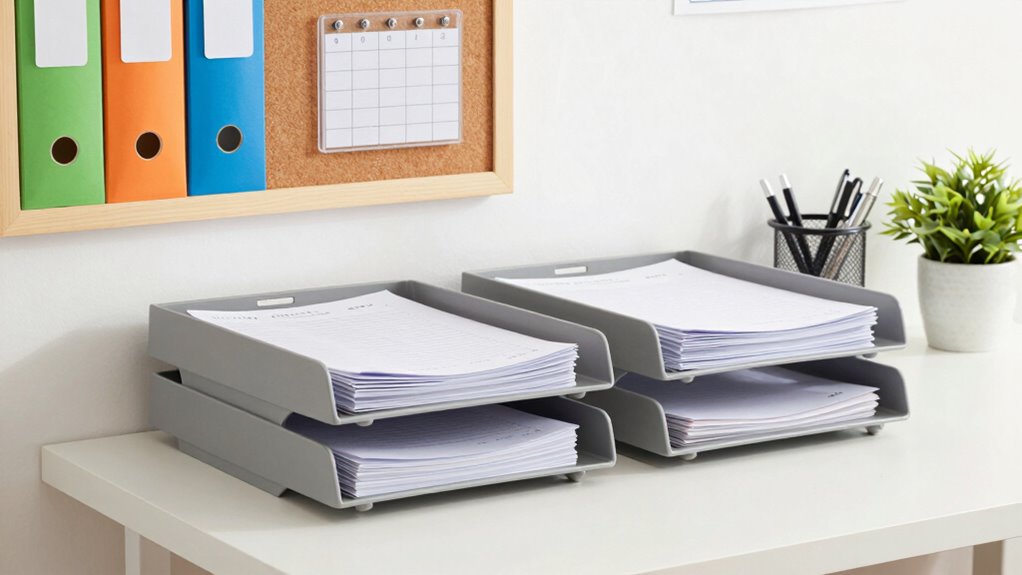
Before setting up your filing system, it’s important to assess what papers you currently have. Start by sorting your papers into basic categories like bills, receipts, documents, and correspondence through simple paper categorization. This helps you understand the volume and types of papers cluttering your desk. Next, use goal setting techniques to define clear filing objectives—such as reducing paper clutter by 50% or creating a system for future documents. Identify which papers need immediate attention and which can be archived. Setting specific, measurable goals makes the process manageable and keeps you motivated. Additionally, recognizing your inner guidance during this process can help you make decisions that truly reflect your personal priorities. Understanding file organization principles can further enhance your ability to create an efficient system. Incorporating knowledge about electric dirt bikes’ horsepower can also inspire you to choose a system that is powerful yet lightweight, making it easier to maintain. Developing a solid content management strategy can help you keep your filing system organized and sustainable over time. Being aware of best CAD papers can help you find inspiration for designing your ideal filing setup with innovative storage solutions. This assessment not only clarifies what you need to organize but also guides you in creating an efficient, tailored filing system that keeps your small desk tidy.
Choosing the Best Filing System for Your Small Desk

Choosing the right filing system is essential to keep your small desk organized and efficient. If space is tight, consider digital storage options to reduce paper clutter and make documents easily accessible. Digital files can be organized into folders by project, date, or category, saving physical space. Incorporating ergonomic workspace design can help ensure that your filing system remains accessible and reduces unnecessary movement. Using compact filing solutions like desktop files or wall-mounted organizers maximizes your limited space and keeps essentials within reach. Proper storage organization techniques, such as labeling and categorizing files, can further enhance your workspace’s functionality, ensuring everything has its place and is easy to find. Implementing space-saving furniture can also optimize your overall workspace layout, making room for your filing system without overcrowding. Additionally, choosing a simple and consistent system can make maintenance easier and prevent clutter from building up over time. Whichever system you choose, ensure it’s simple to maintain and tailored to your needs to keep your workspace clutter-free and productive.
How to Organize Files and Keep Documents Easy to Find

To keep your documents easy to find, start by establishing a clear labeling system that clearly identifies each file’s contents. Use descriptive labels and organize files alphabetically or by category. Incorporate digital storage solutions for less frequently accessed documents, reducing paper clutter. Regularly review your files and shred outdated or unnecessary papers to prevent buildup and maintain order. Digitizing important documents allows quick access and easy backups, saving space on your desk. Keep similar items together, such as invoices, receipts, or client files, to streamline retrieval. Consistent labeling and periodic cleanouts help you stay organized and prevent chaos. Additionally, understanding file organization principles and their functions can help you manage your digital files more effectively. Implementing proper storage methods ensures your documents stay protected and accessible over time. Applying structured filing systems can enhance efficiency and make your workspace more manageable. By combining physical file organization with digital storage and paper shredding, you’ll create a simple, efficient system that keeps your workspace tidy and your documents easy to locate, reducing clutter and improving productivity.
Tips for Maintaining Your Filing System and Preventing Clutter
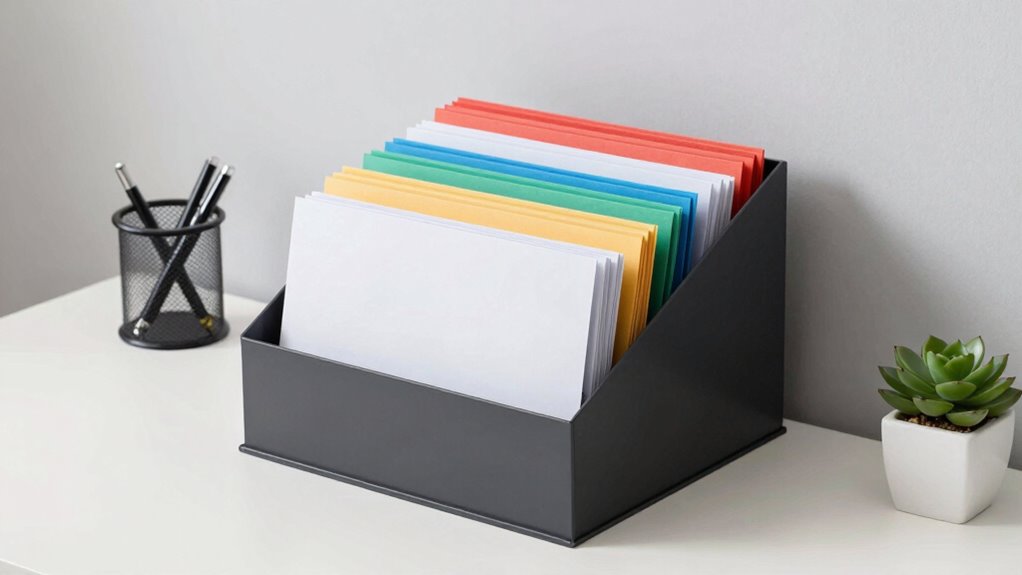
Maintaining your filing system requires regular attention to prevent clutter from creeping back in. Set a weekly schedule to review and update files, shred unnecessary papers, and digitize important documents for easy access. Using digital backups guarantees you won’t lose critical files if physical copies are misplaced or damaged. To stay organized, keep a consistent filing routine and periodically reassess your system’s effectiveness. Additionally, adopting organization routines can help you develop habits that keep your files orderly over time. Here’s a helpful reminder:
| Action | Frequency | Benefit |
|---|---|---|
| Paper shredding | Weekly or monthly | Reduces clutter and protects privacy |
| Digitize files | Monthly | Easy access and backup |
| File review | Weekly | Keeps system current |
| Reorganize | Quarterly | Maintains efficiency |
Regularly maintaining your filing system ensures you remain confident and less overwhelmed in managing important documents. Incorporating digital organization tools can further streamline your process and reduce manual effort. Additionally, consistent organization practices can help prevent buildup and make future updates more manageable. Understanding free floating storage options can also provide flexible solutions for small desk spaces.
Frequently Asked Questions
How Often Should I Review and Purge My Filing System?
You should review and purge your filing system at least once every three to six months. This keeps your paper clutter manageable and supports your digital organization and paperless workflow. Regular check-ins help you discard outdated documents and stay organized, ensuring your system remains efficient. By maintaining this routine, you’ll prevent buildup, save time, and keep your workspace clean and productive.
What Are Some Space-Saving Filing Tools for Small Desks?
Did you know small offices often waste 30% of desk space? To maximize your space, consider using vertical organizers that stand tall without taking up much room. Compact filing cabinets slide neatly beneath your desk or beside it, keeping your papers organized yet accessible. These space-saving tools help you create a clutter-free workspace, making your small desk feel bigger and more functional every day.
Can Digital Filing Replace Paper Files Effectively?
Yes, digital filing can effectively replace paper files if you prioritize digital security and use reliable cloud storage. You can easily organize, access, and share documents without clutter, making your workspace more efficient. Just make sure you encrypt sensitive files and choose a reputable cloud provider. This way, you keep your information safe while enjoying the convenience and space-saving benefits of digital filing.
How Do I Label Files for Quick Identification?
Did you know that organized files save up to 30% of your time? To label files for quick identification, use clear, concise labels and incorporate color coding for easy visual cues. Place labels consistently, either at the top or side of each file, so you can locate them swiftly. This approach streamlines your workflow, making your small desk more efficient and clutter-free.
What Should I Do With Outdated or Duplicate Documents?
You should review outdated or duplicate documents and decide if they’re still needed by following archiving strategies and document retention policies. For files that are no longer active but must be kept, archive them in labeled folders or boxes, and store them in a designated area. Regularly purge unnecessary documents to keep your workspace organized, and make certain you’re compliant with any legal or business retention requirements.
Conclusion
By implementing a simple filing system, you can reduce desk clutter by up to 70%, making your workspace more efficient and less stressful. Staying organized not only saves you time but also boosts your productivity. Remember, regular maintenance is key—spend just a few minutes each day keeping your files in order. With these tips, you’ll enjoy a clean, functional desk that helps you focus on what truly matters.