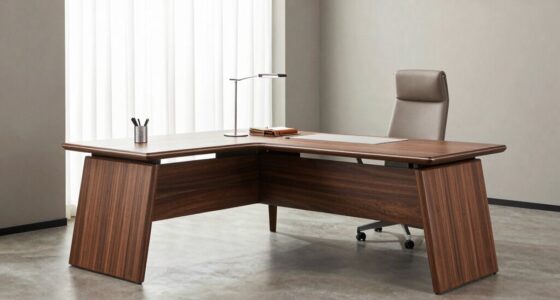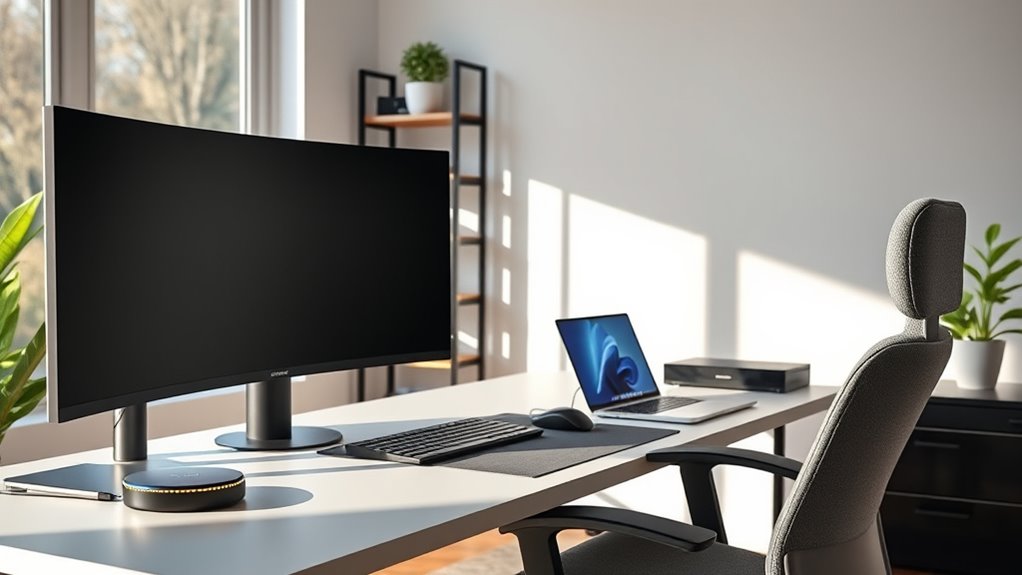
To upgrade your home office for maximum productivity, focus on ergonomic accessories like adjustable chairs, keyboard, and monitor stands to support proper posture and reduce strain. Combine this with smart lighting that adapts to your schedule, minimizes glare, and boosts focus. These small upgrades create a comfortable, energized environment that helps you stay focused longer. Keep going, and you’ll discover even more ways to transform your workspace into an efficient hub.

Get furniture and decor delivered free — and shop member deals
- Fast, free delivery on millions of items
- Access to Prime Big Deal Days deals on October 6–7
- Prime Video, Amazon Music and more included
Key Takeaways
- Incorporate ergonomic accessories like adjustable chairs and keyboard setups to promote good posture and reduce physical strain.
- Use smart lighting with customizable brightness and color temperature to minimize eye strain and boost focus.
- Integrate monitor stands and footrests to keep your workspace aligned and comfortable for extended work sessions.
- Combine ergonomic and lighting tech to enhance comfort, energy, and mental clarity throughout your workday.
- Optimize your home office environment for productivity by prioritizing health-focused tech upgrades and ergonomic design.
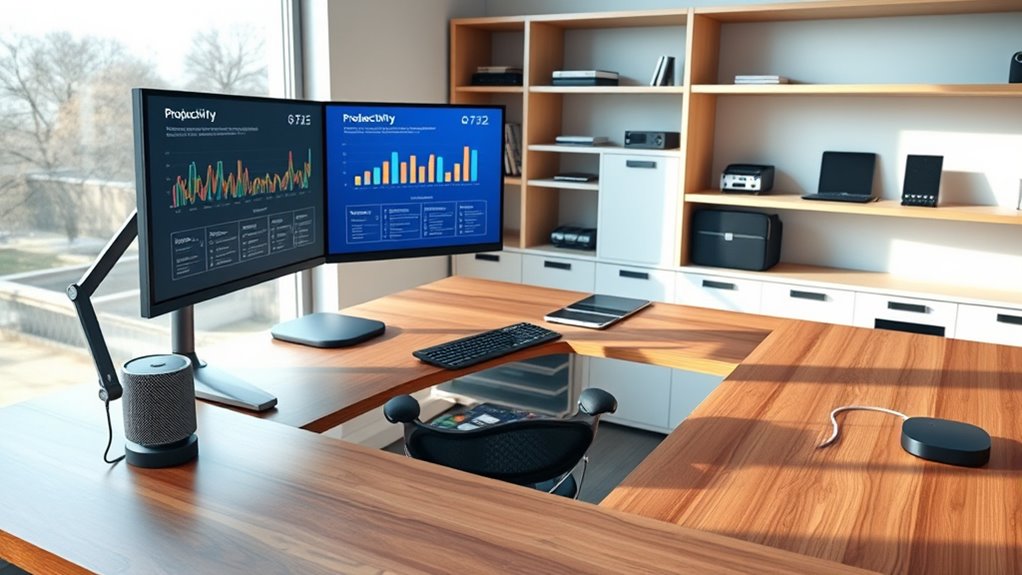
Transforming your home office into a productive and comfortable space is vital for staying focused and motivated. One of the most impactful upgrades you can make involves investing in ergonomic accessories. These tools are designed to support your body properly during long work sessions, reducing strain and preventing discomfort. Think of ergonomic chairs that offer adjustable height and lumbar support, allowing you to maintain good posture effortlessly. A keyboard and mouse with ergonomic design can also make a significant difference, minimizing wrist fatigue and improving typing accuracy. Footrests and monitor stands are other simple additions that help keep your workspace aligned correctly, which boosts comfort and productivity. When your body feels supported, you’re less likely to experience aches and distractions, enabling you to stay engaged with your tasks for longer periods.
Alongside ergonomic accessories, smart lighting plays a vital role in creating an effective workspace. Proper lighting reduces eye strain and enhances focus, especially during extended work hours. Smart lighting systems allow you to customize brightness levels and color temperatures with ease, adapting the environment to your needs throughout the day. For example, cooler, brighter light can energize you in the morning, while warmer tones in the late afternoon help you wind down. With smart lighting, you can schedule automatic adjustments that align with your natural circadian rhythms, promoting better sleep and overall well-being. Additionally, these systems often integrate with voice commands or smartphone apps, giving you effortless control without interrupting your workflow. Bright, well-balanced lighting minimizes glare on screens and prevents headaches, so you can work more comfortably for longer stretches.
Integrating technological advancements such as smart lighting and ergonomic accessories creates a home office that’s not only functional but also tailored to your personal comfort. You’ll notice improvements in your posture, reduced fatigue, and increased energy levels, all of which contribute to heightened productivity. Setting up your workspace this way also fosters a positive mindset, making work feel less like a chore and more like a comfortable, inviting environment. Remember, small upgrades like ergonomic accessories and smart lighting don’t just improve your physical health—they enhance your mental clarity and focus. The goal is to design a space where you can work efficiently and feel good doing it. With these essential tech additions, you’re well on your way to transforming your home office into a place where productivity and comfort go hand in hand.
ergonomic adjustable office chair
As an affiliate, we earn on qualifying purchases.
As an affiliate, we earn on qualifying purchases.
Frequently Asked Questions
How Do I Choose the Right Ergonomic Office Chair?
When choosing an ergonomic office chair, focus on features that support comfort and health. Look for adjustable seating options like height, lumbar support, and armrests, so you can customize the fit to your body. make certain the chair has good breathability and a sturdy base. By prioritizing ergonomic chair features, you’ll find a seat that reduces strain, improves posture, and keeps you comfortable throughout long work sessions.
What’S the Best Way to Set up Multiple Monitors?
Think of your workspace like a command center. To set up multiple monitors, choose a dual monitor arrangement that suits your workflow. Use monitor mounting options to free up desk space and position screens at eye level for comfort. Make certain your monitors are aligned evenly, avoiding neck strain. Adjust angles for seamless viewing, creating an efficient setup that boosts productivity, much like a well-oiled control tower.
How Can I Reduce Eye Strain From Screens?
To reduce eye strain from screens, you should use blue light filters on your devices, which lessen eye fatigue and improve comfort. Additionally, setting screen break reminders encourages you to take regular breaks, preventing prolonged strain. Adjust your screen brightness to match ambient lighting, and maintain proper distance and posture. These simple steps help protect your eyes and keep you comfortable during long work sessions.
What Tech Tools Improve Home Office Organization?
Think of your home office as a well-organized library. To keep it tidy, you need smart storage solutions and cable management tools. Use labeled drawers or shelves to categorize supplies and cable clips or sleeves to hide cluttered cords. These tech tools act like librarians, keeping everything in its place, so your workspace stays neat and efficient, allowing you to focus on your tasks without distractions.
How Do I Secure My Home Wi-Fi Network?
To secure your home Wi-Fi network, first change the default password and use a strong, unique one. Enable network encryption, like WPA3, to protect your data from unauthorized access. Use password management tools to securely store your Wi-Fi credentials. Regularly update your router’s firmware to patch vulnerabilities. These steps help keep your network safe, ensuring your work and personal information stay private.
Conclusion
Think of your home office as a garden—once you nurture it with the right tools, it blooms into your personal productivity paradise. Upgrading your tech isn’t just about gadgets; it’s about cultivating an environment where ideas flourish and tasks flow seamlessly. When you invest in these essentials, you’re planting the seeds for success. Stay committed to evolving your space, and watch your productivity grow like a well-tended garden—vibrant, resilient, and endlessly rewarding.
Fall Picks
fall essentials
As an affiliate, we earn on qualifying purchases.